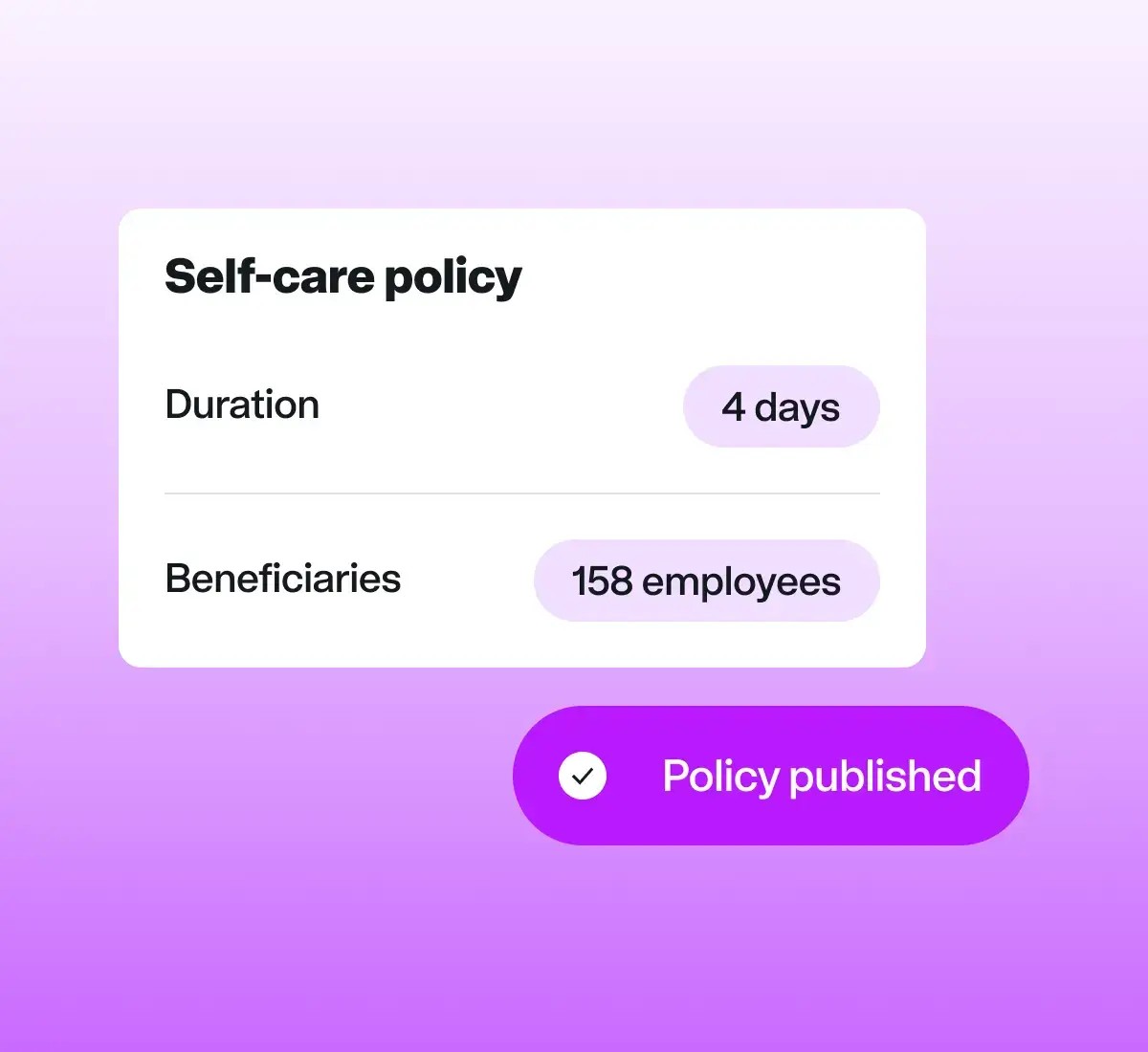
Set custom leave policies
Create tailored leave types and assign them to employees for booking and use. Customers often apply these to quarterly self-care days, birthdays off, sabbatical leave, or extra tenure-based leave.
Set policies, record leave and hours, receive alerts before approval, and sync with payroll from one place.
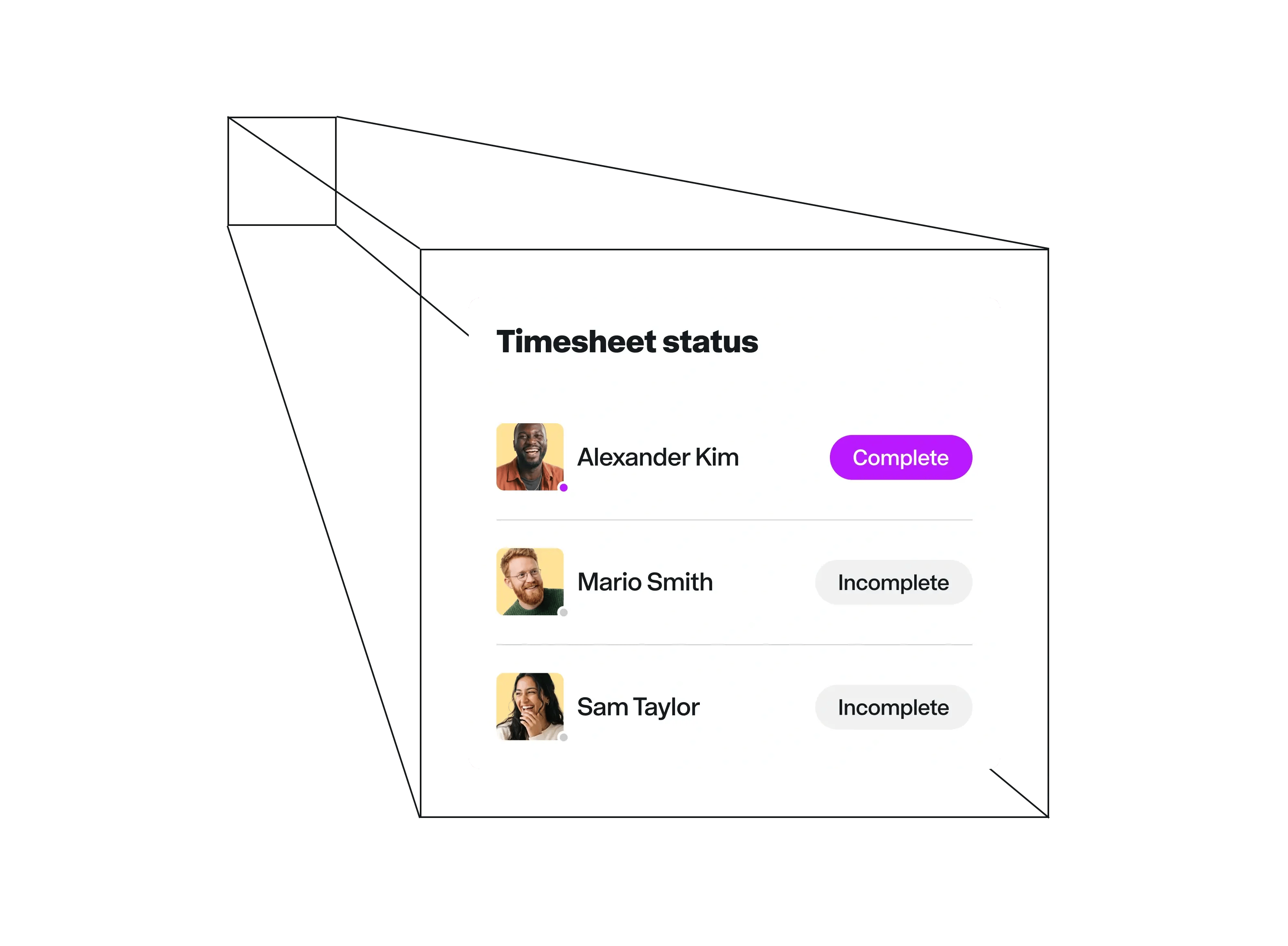
Replace spreadsheets and manual calculations with a clearer way to manage time and attendance for your global team in Remote.
Create tailored leave types and assign them to employees for booking and use. Customers often apply these to quarterly self-care days, birthdays off, sabbatical leave, or extra tenure-based leave.
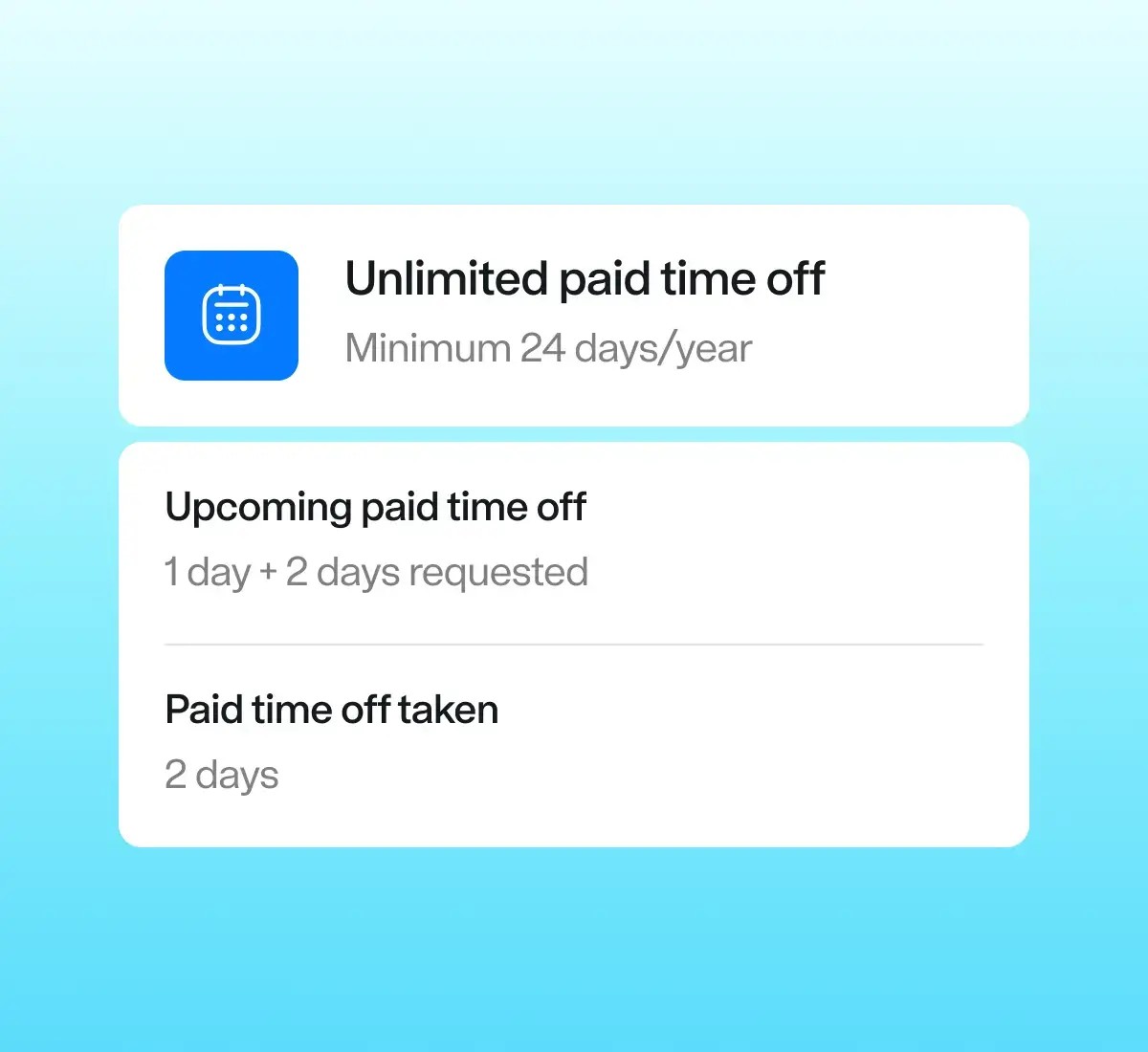
Compare total time-off calculations with the country's legal minimum and the allowance set out in an employee's contract
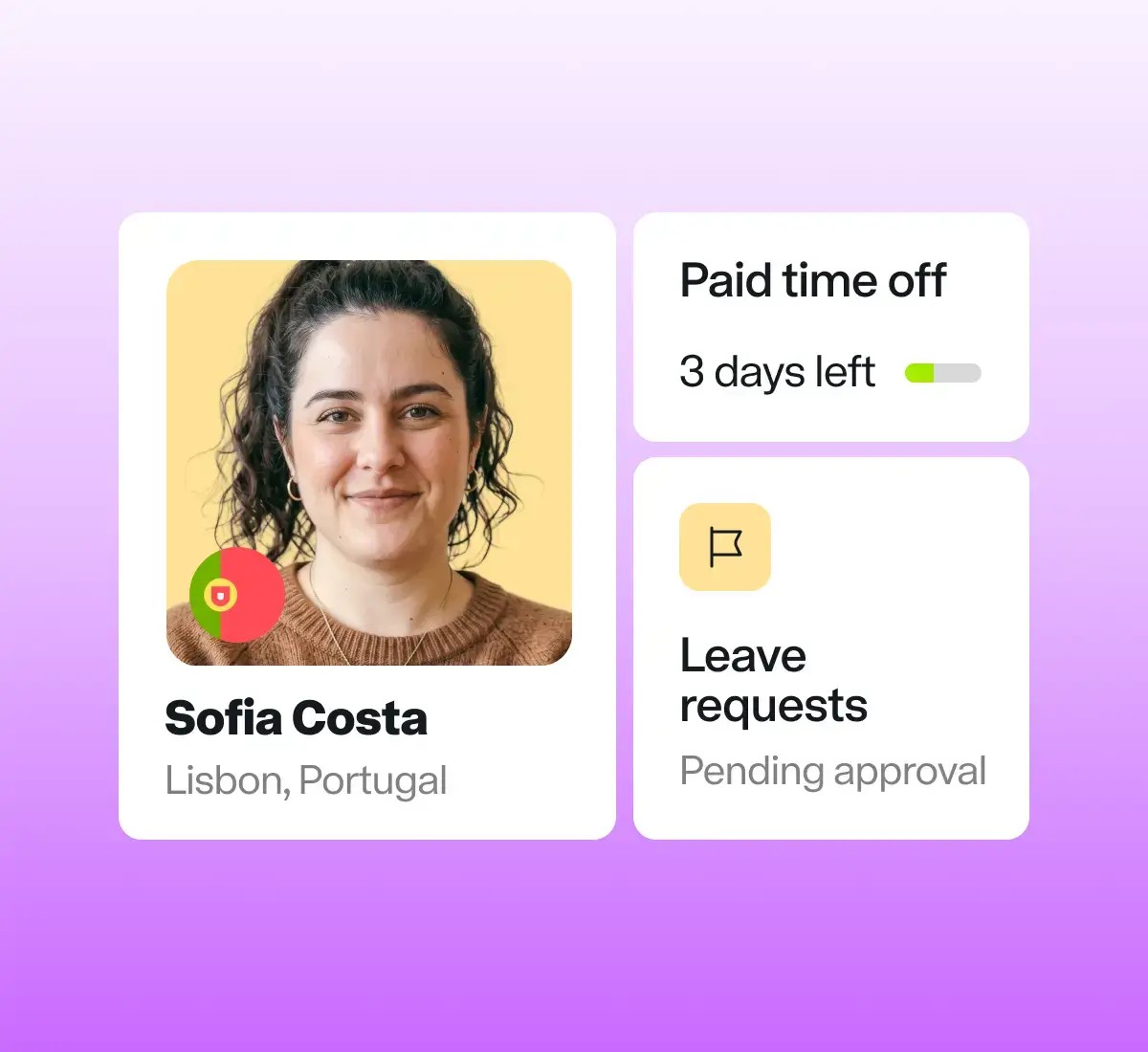
Your employees can see which types of time off they have been awarded, along with what is available, booked, or already used at any time.
From the calendar view in the web platform or mobile app, users can submit time-off requests in just a few steps.
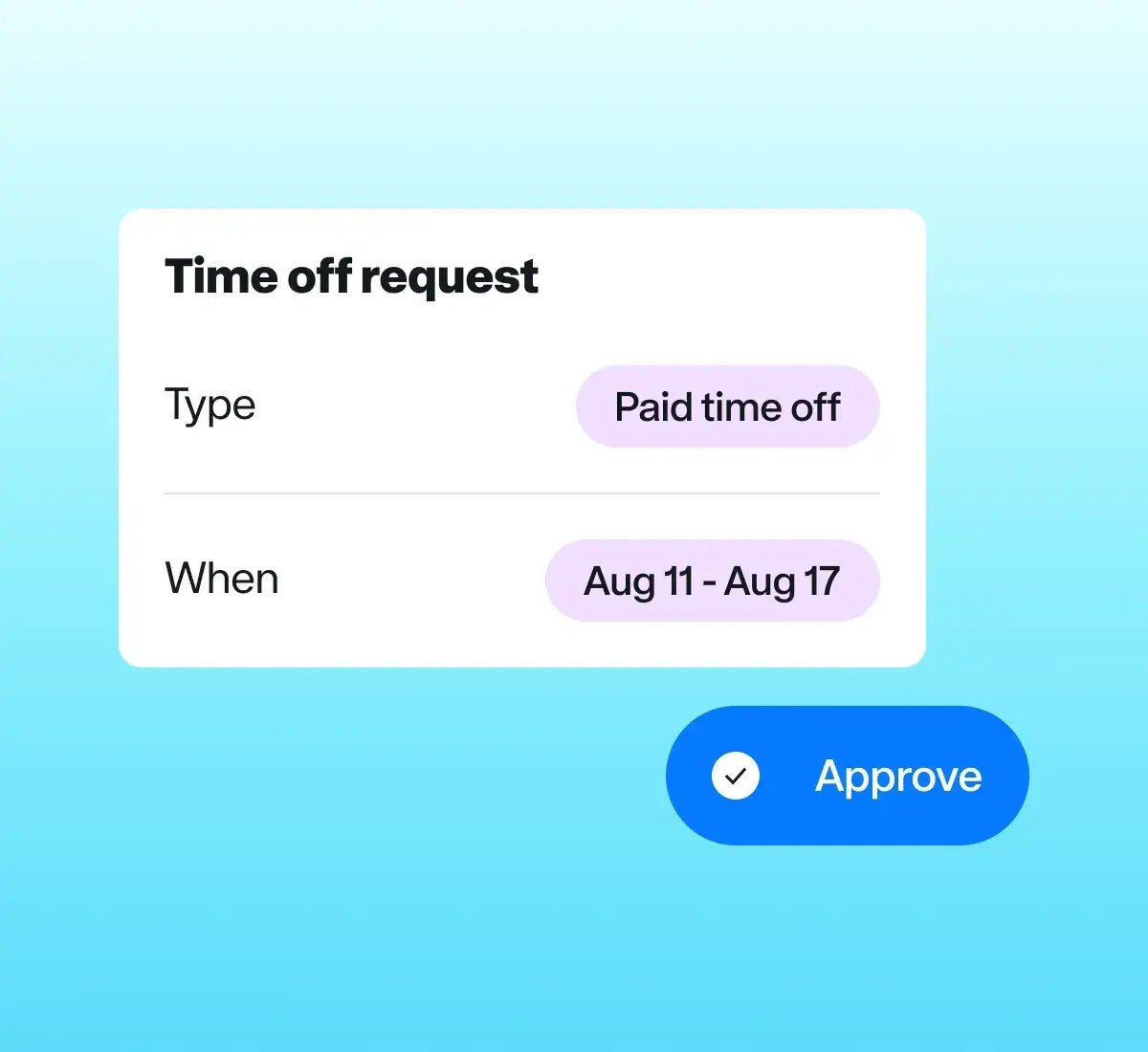
Give people managers and HR teams a simple way to approve requests with one click.
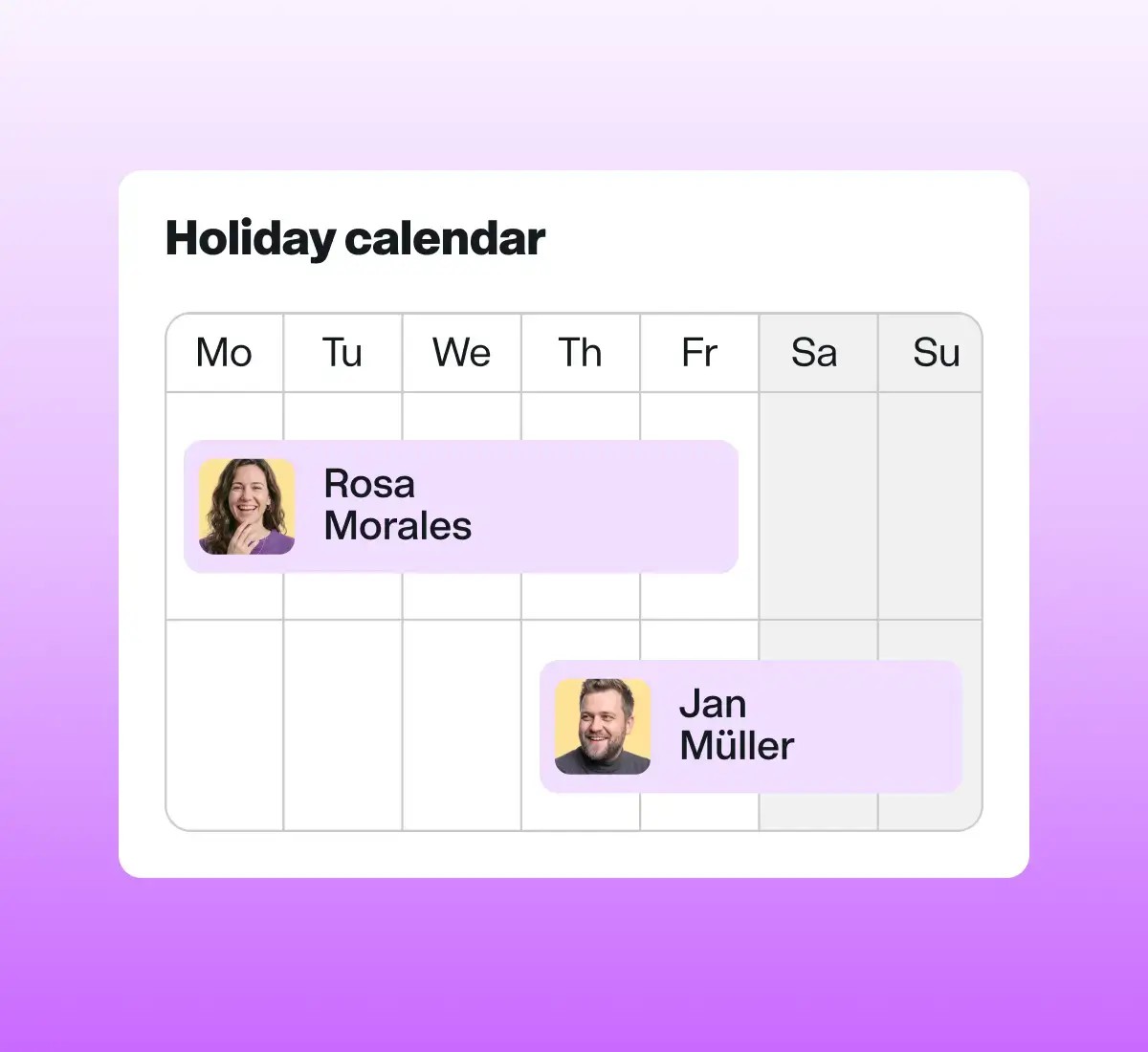
Gain a complete view of team time off through an aggregated calendar, wellbeing reminders, upcoming public holidays, useful insights, and more.
Whether your team works full-time or part-time, in person or remotely, or under hourly or salaried contracts, Remote has you covered.
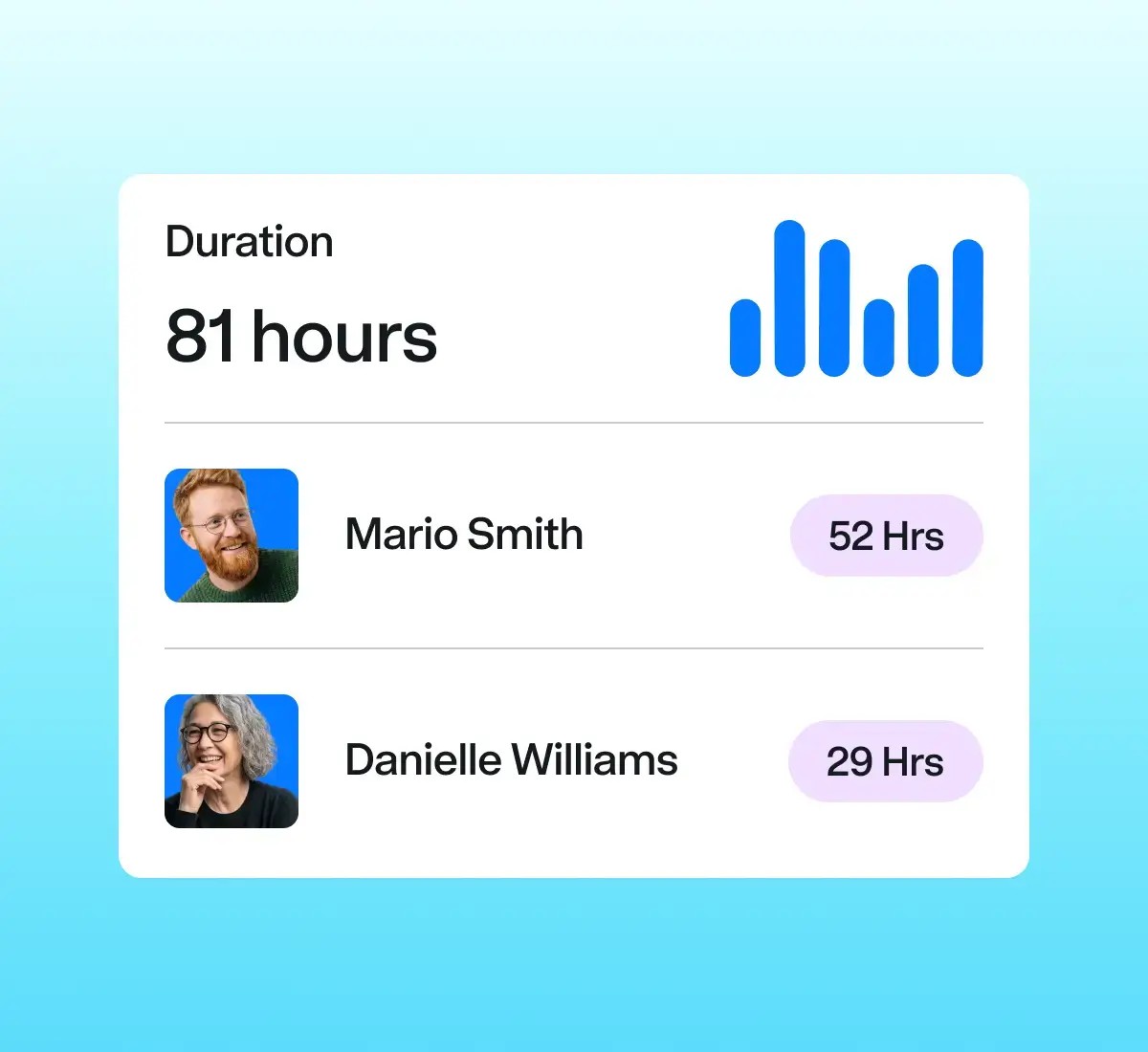
Team members can clock in and out with one click or enter hours manually. They can also add notes linking time blocks to specific tasks and projects.
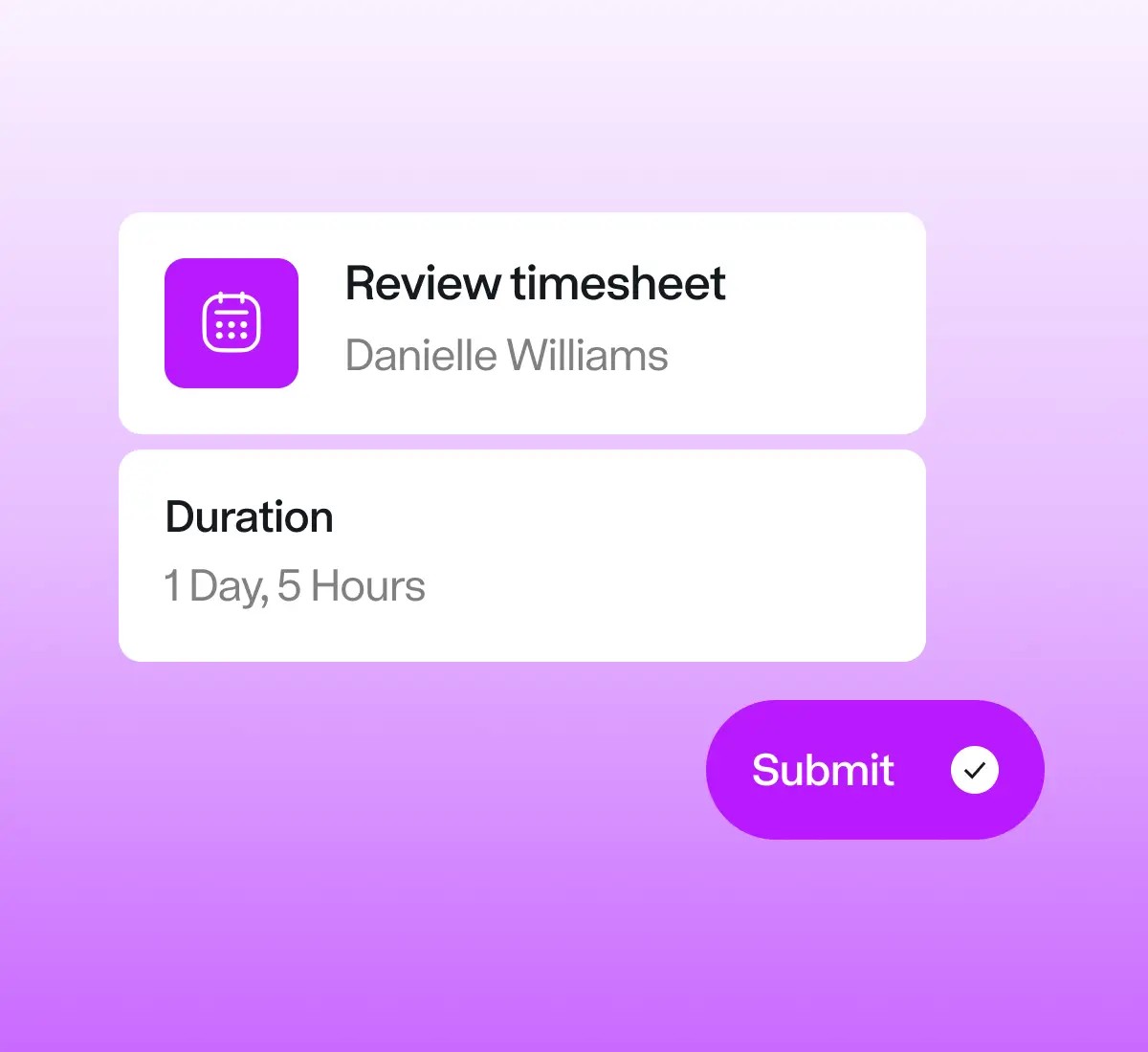
Your team can check and submit timesheets in one click, or schedule automatic submission for their regular hours.
Review and approve timesheets for your records while supporting payroll compliance with overtime, on-call, and working-hours regulations.
Join the customers who rely on Remote to transform their business.

“We see Remote as a leading and trusted partner in this space. The expert support they provide in local payroll, tax compliance, and HR operations has streamlined our processes and created more opportunities for growth and success on a global scale.”


“If we had to manage and coordinate everything in-house, it would cost us well over $500,000 more each year. Remote not only eliminates that financial strain but also takes the operational burden off our plate, allowing us to focus on growing our business with confidence and efficiency.”


“We run monthly, semi-monthly and hourly payroll in multiple different currencies around the world and our Finance Manager has full visibility in a single platform. With Remote, you can make it happen.”


“We work with 460+ Contractors globally. I’d need to employ 5 or 6 people full time to keep on top of compliance, administration and payroll. Remote has definitely been a time and money saver for us.”

“We see Remote as a leading and trusted partner in this space. The expert support they provide in local payroll, tax compliance, and HR operations has streamlined our processes and created more opportunities for growth and success on a global scale.”
“If we had to manage and coordinate everything in-house, it would cost us well over $500,000 more each year. Remote not only eliminates that financial strain but also takes the operational burden off our plate, allowing us to focus on growing our business with confidence and efficiency.”
“We run monthly, semi-monthly and hourly payroll in multiple different currencies around the world and our Finance Manager has full visibility in a single platform. With Remote, you can make it happen.”
“We work with 460+ Contractors globally. I’d need to employ 5 or 6 people full time to keep on top of compliance, administration and payroll. Remote has definitely been a time and money saver for us.”
Balance flexibility with visibility for contractors
Give contractors the freedom to work when and where they choose around the world, while retaining the visibility you need to help avoid misclassification penalties.
Contractors can record and save hours from a laptop or mobile device, link time to projects and tasks with notes, and share clearer insight into their upcoming availability.

Time and attendance software helps HR teams record and manage when employees and contractors work. Many organisations use it to support staffing coverage and productivity. Accurate hour records matter when people are paid based on time worked. In many countries, organisations must also meet time and attendance requirements to support legal compliance.
Accurate time and attendance records support payroll accuracy and help organisations meet legal requirements. Automation can reduce administrative effort while improving data quality. Remote’s time and attendance software includes smart tools such as clocking in and out, automatic weekly timesheet submission, and approval workflows for Time off requests.
Employees and contractors onboarded to Remote can record their working hours, submit Timesheets, check available Time off, and request Time off through the web platform or mobile app. Learn more about time tracking
An admin user assigned to a role with Time off management permissions enabled can review Time off requests and see their team’s Time off calendar.
Yes. Employees and contractors can update and submit Timesheets from any web-enabled device or through the Remote employee mobile app. They can also set their Timesheets to submit automatically each week.
When you use Remote to manage employees or contractors, the mobile app is included at no additional charge. Employees and contractors can install it on iOS or Android devices to manage Time off, record hours, submit expenses for reimbursement, and more.