Manage custom leave policies
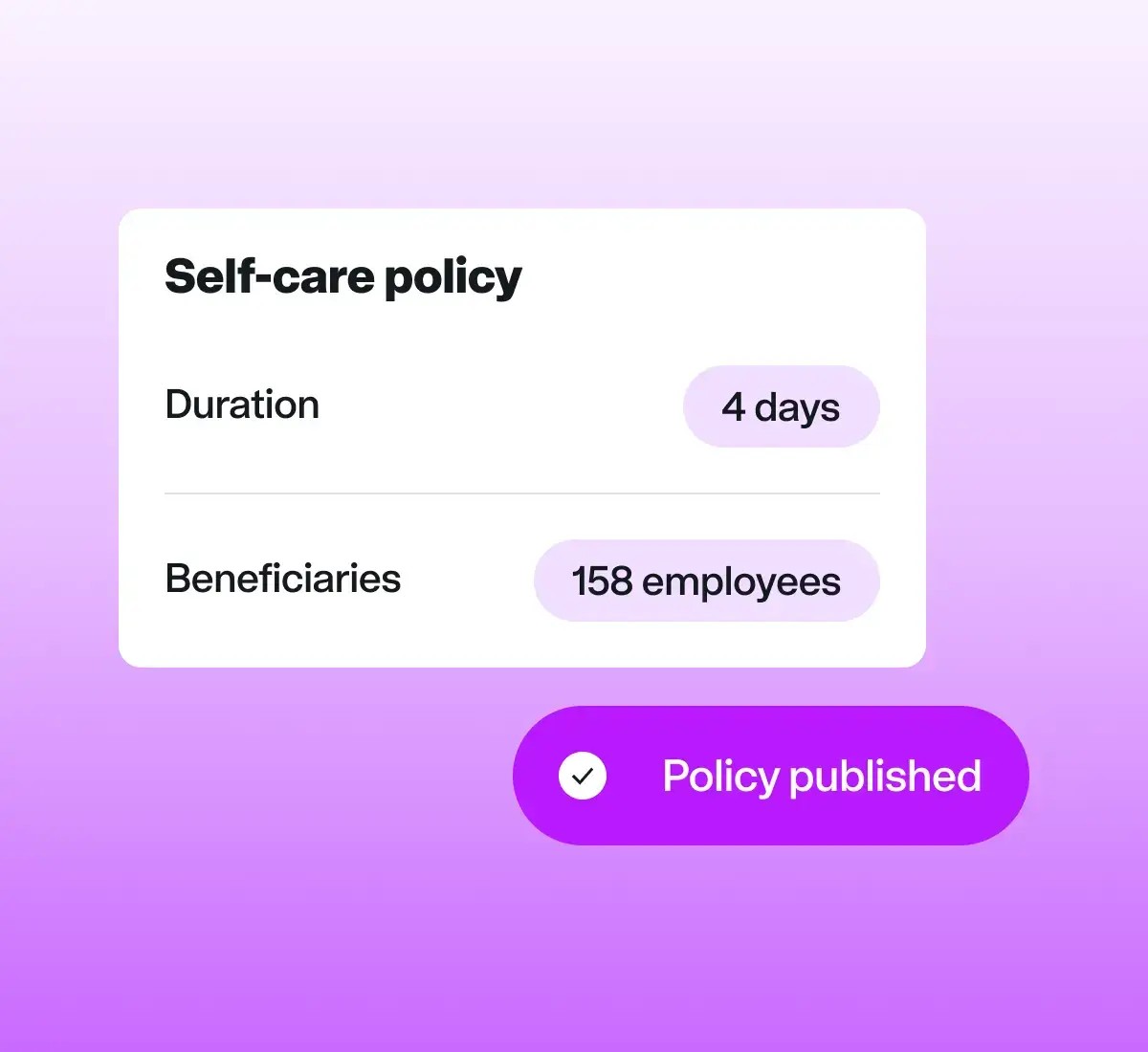
Create custom leave types and award them to employees to book and take; our customers often use this for things like a quarterly self-care day, birthday off, sabbatical leave, or additional tenure-based leave.
Log working hours and attendance across all timezones, no matter where your team members are based.
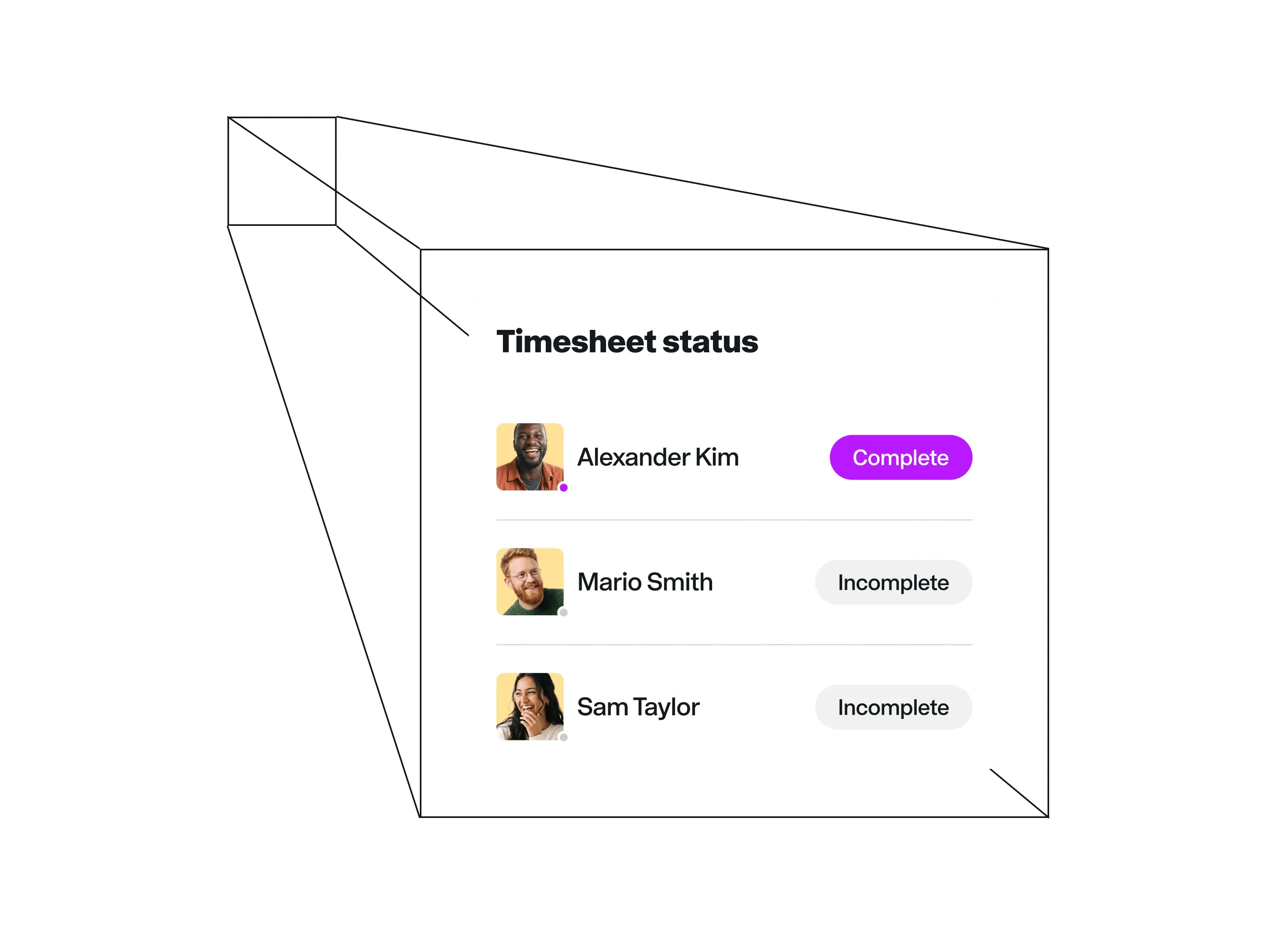
Leave spreadsheets and manual calculations behind. Oversee time and attendance for your global team in Remote.
Create custom leave types and award them to employees to book and take; our customers often use this for things like a quarterly self-care day, birthday off, sabbatical leave, or additional tenure-based leave.
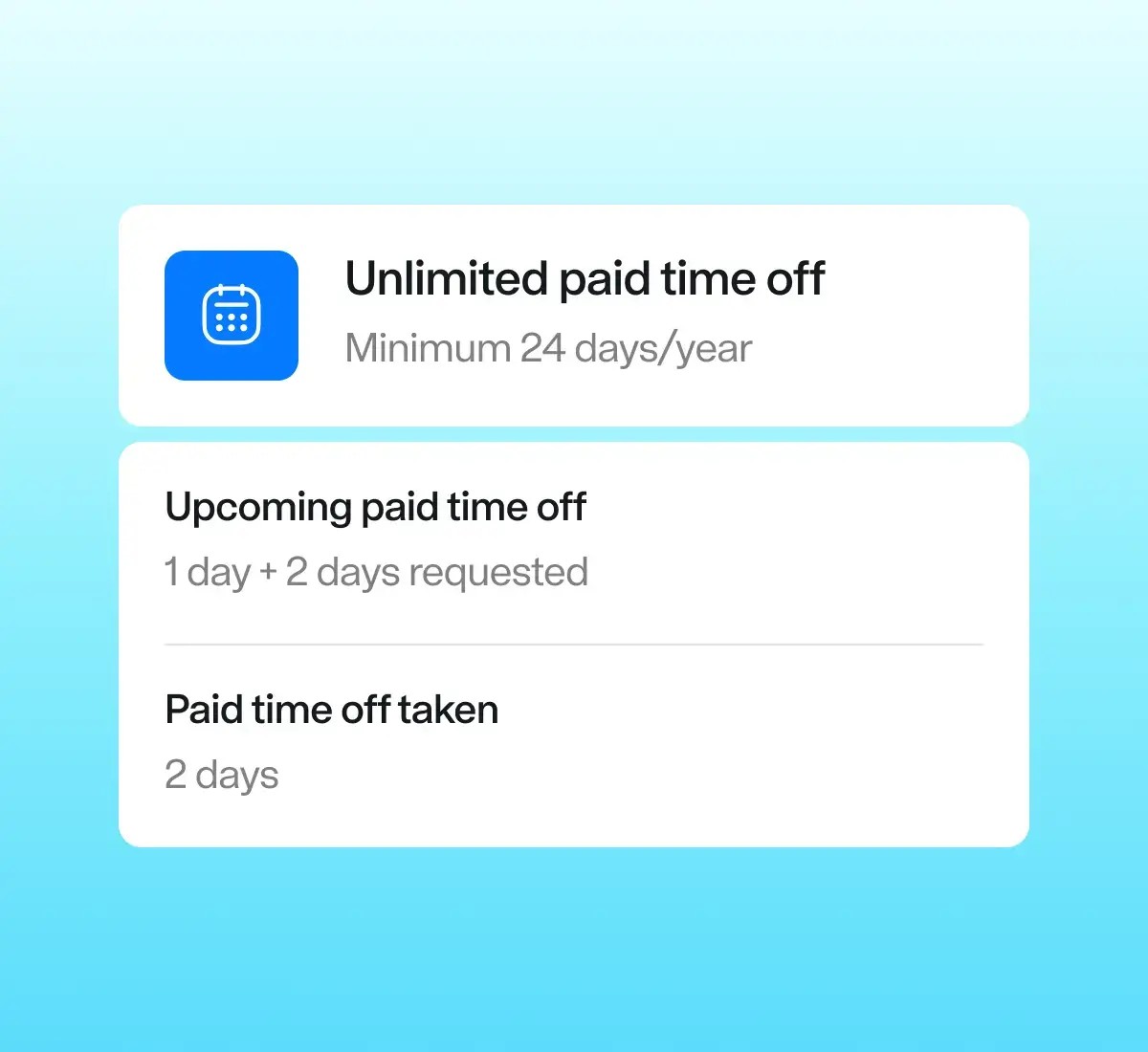
See total time-off calculations against the country's legal minimum and the amount specified in an employee's contract
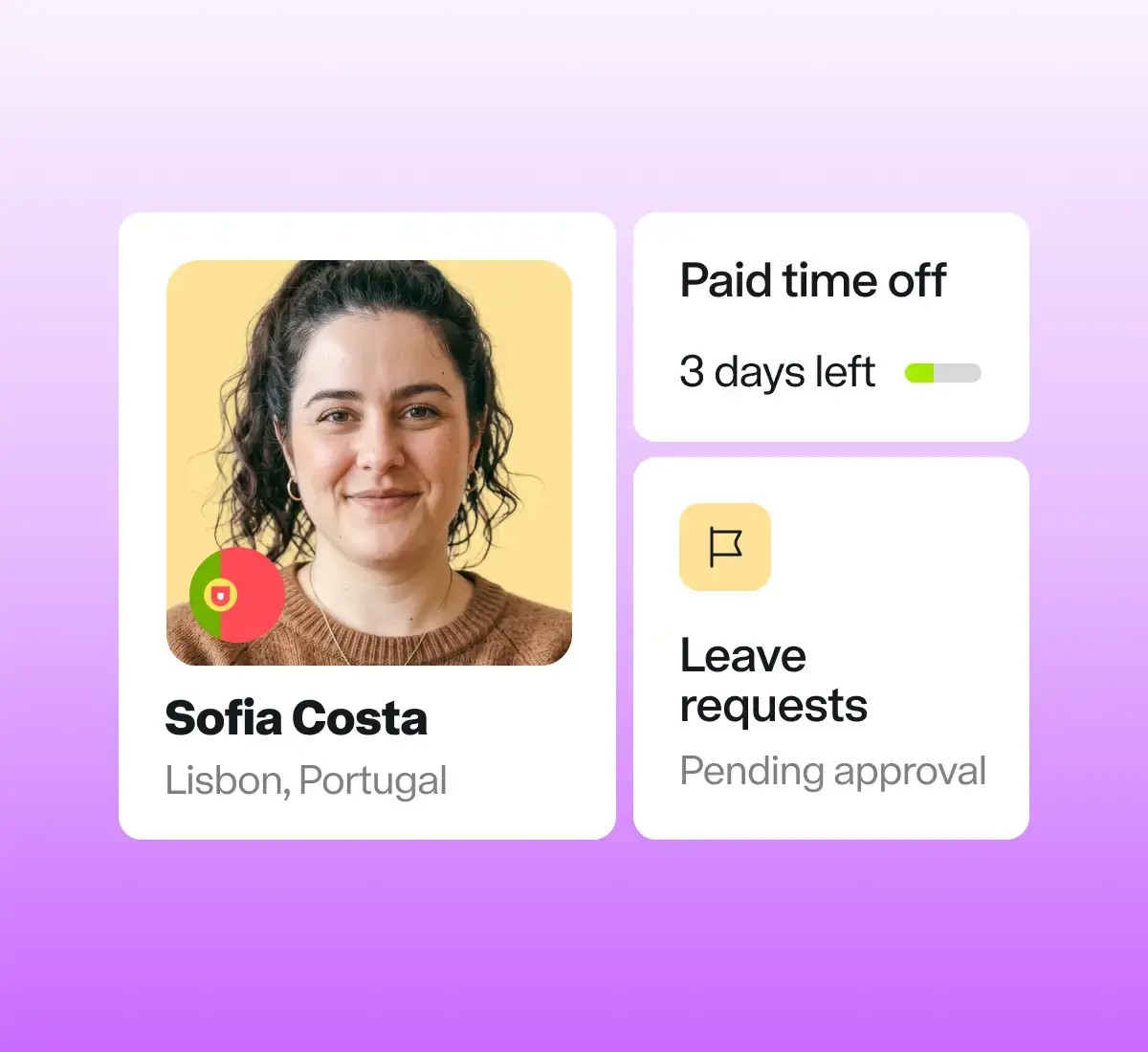
Your employees can clearly see which types of time off they have been granted. At any time they can check how much is available, how much is already booked, or how much has already been used.
When ready to book time off, users may submit their requests swiftly and simply from the calendar view on the web platform or via the mobile app.
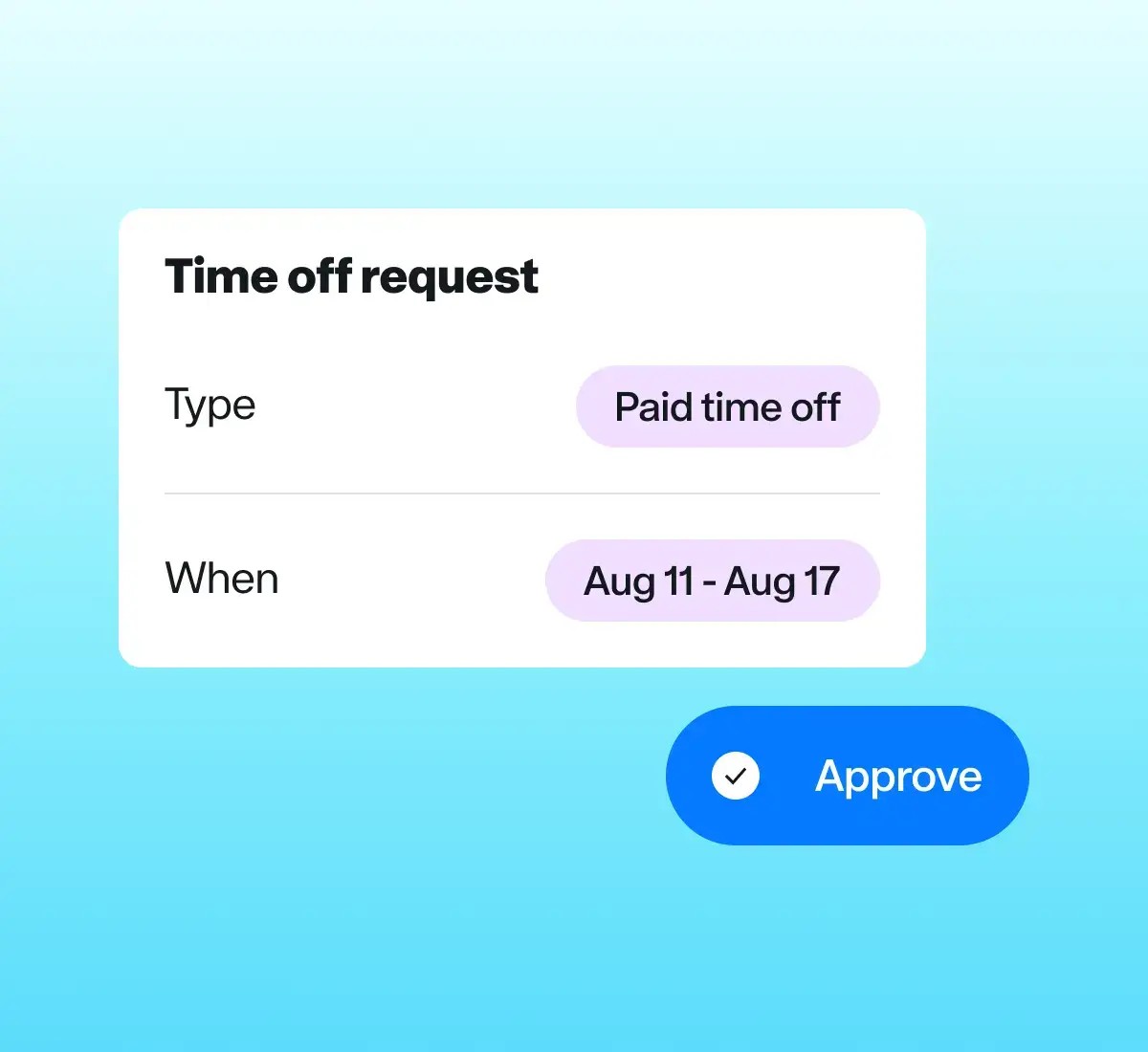
Empower people managers and HR teams to approve requests with the click of a button.
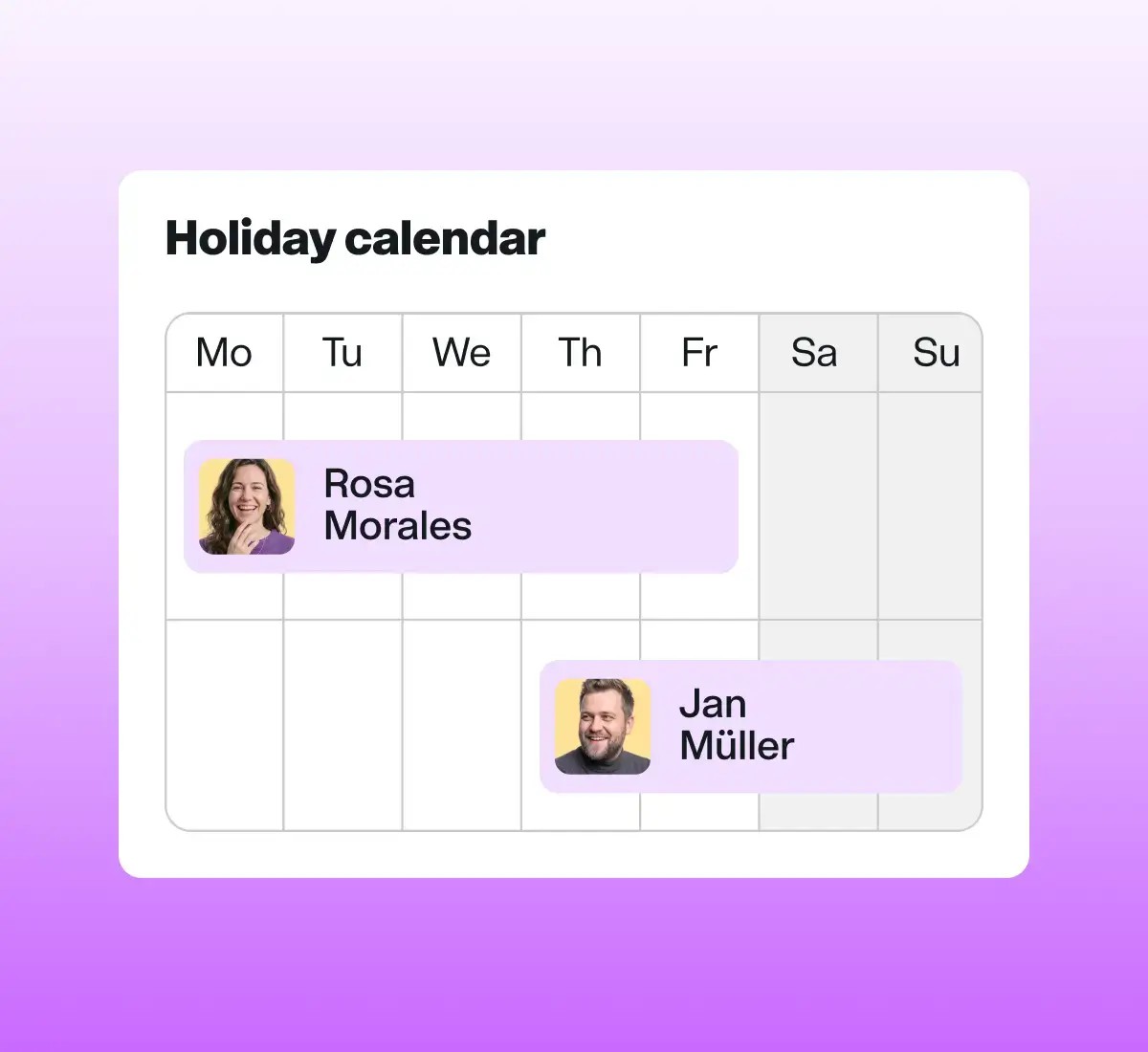
Holistically understand your team’s time off like never before with an aggregated calendar, wellbeing reminders, upcoming public holidays, noteworthy insights, and more.
Whether your team work full time or part time, on-site or remotely, or are on hourly or salaried contracts, we can support them.
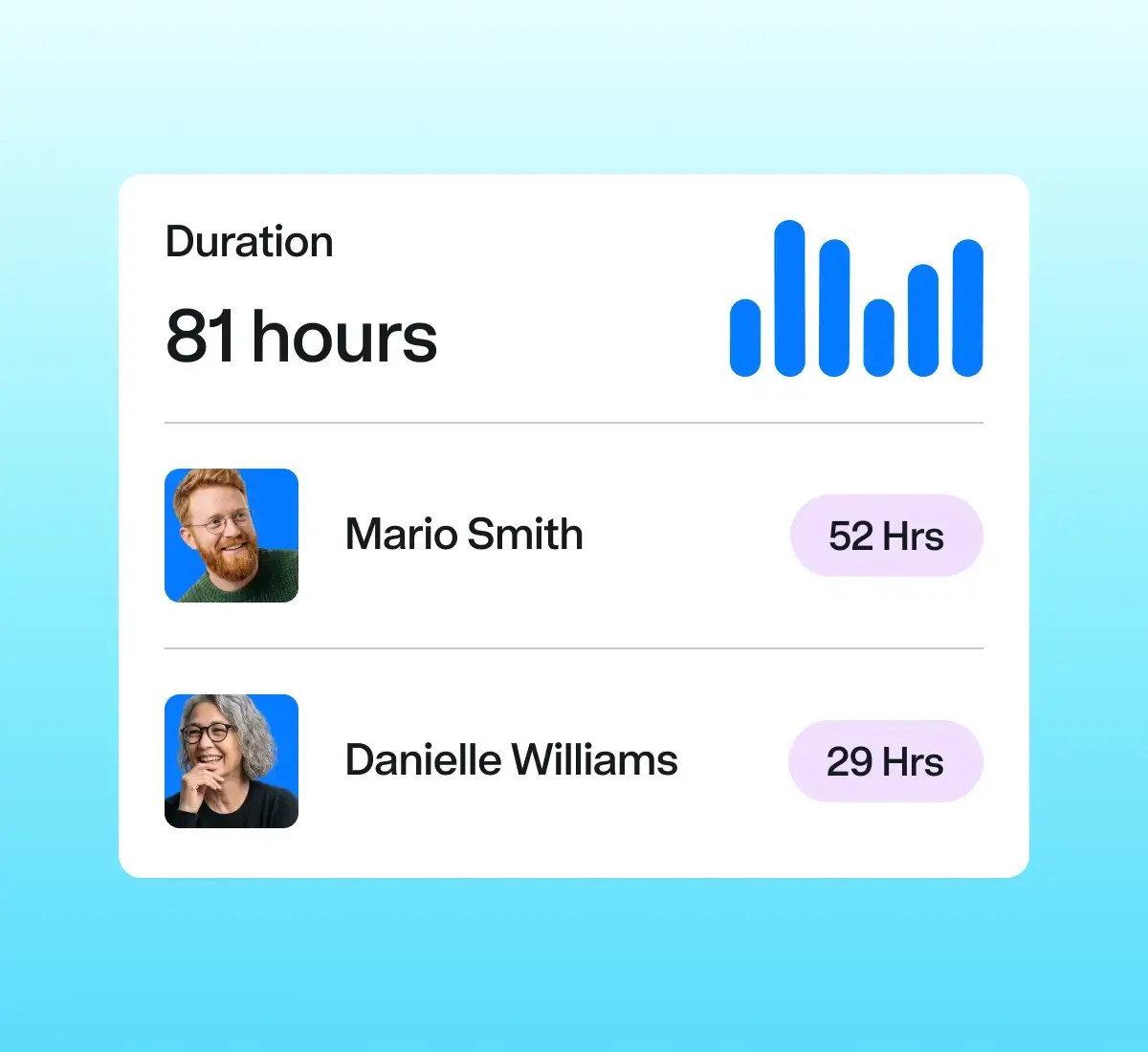
Empower team members to clock in and out with the click of a button or add hours manually. They can even write notes to connect blocks of time to specific tasks and projects.
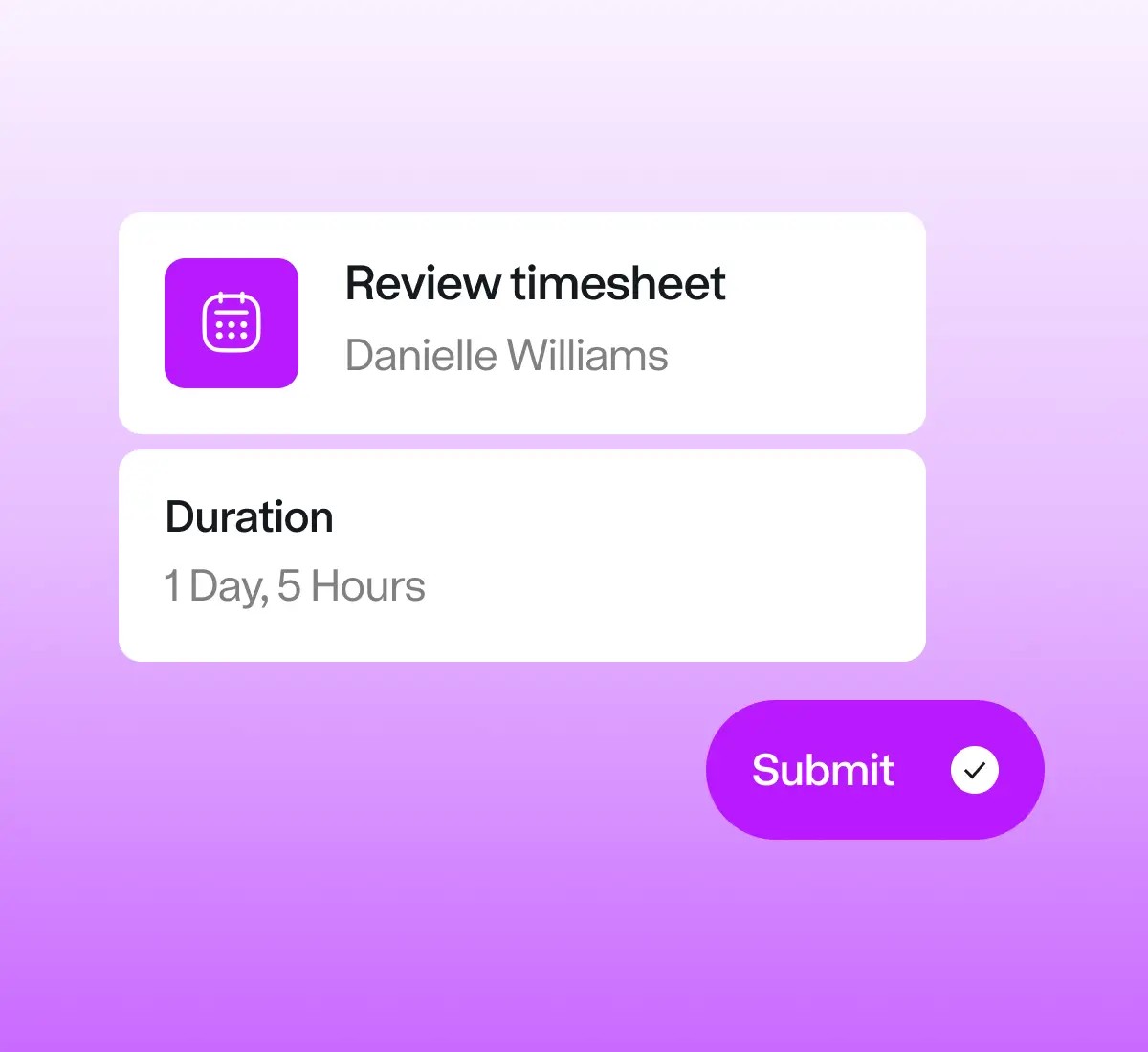
Your team can review and submit timesheets with the click of a button, or set them to automatically submit their regular hours.
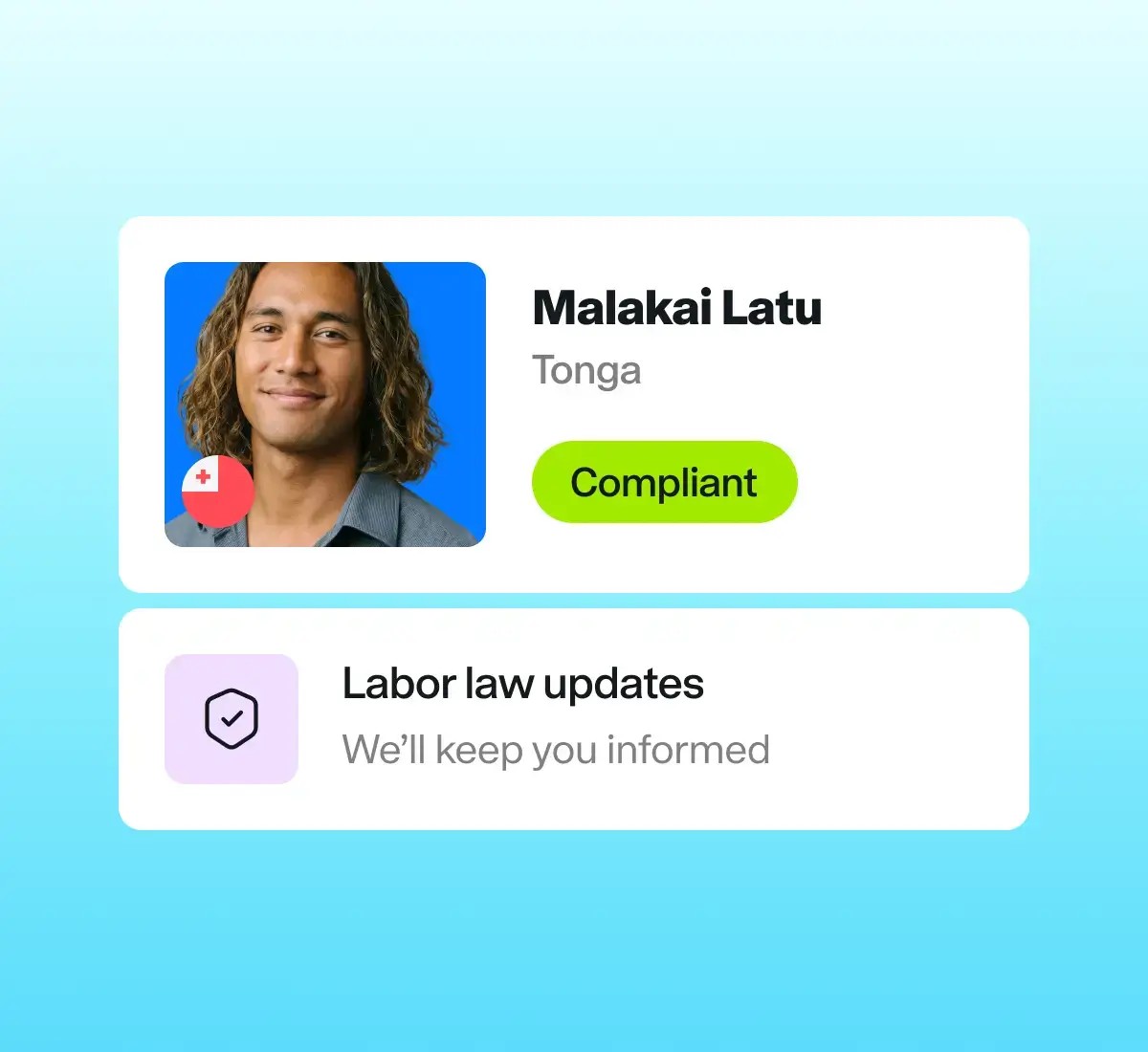
You can review and approve timesheets for your records, and to ensure payroll compliance with overtime, on-call, or working hours regulations.
Join the customers who rely on Remote to transform their business.

“Remote has become a leading, trusted partner in this sector. Their specialist assistance with local payroll, tax compliance and HR operations has rationalised our internal procedures and created fresh opportunities for international growth and success.”


“Had we been required to manage and co-ordinate everything in-house, it would cost us well over $500,000 more each year. Remote not only removes that financial burden but also lifts the operational load from our shoulders, enabling us to concentrate on growing the business with confidence and efficiency.”


“Each month, twice a month and on an hourly basis we run payroll in a variety of currencies across the globe, and our finance manager has a consolidated view within a single platform. Remote makes that possible.”


“We collaborate with over 460 contractors worldwide. Managing compliance, administration and payroll internally would have meant taking on five to six full-time staff. Remote has unquestionably saved us both time and money.”

“Remote has become a leading, trusted partner in this sector. Their specialist assistance with local payroll, tax compliance and HR operations has rationalised our internal procedures and created fresh opportunities for international growth and success.”
“Had we been required to manage and co-ordinate everything in-house, it would cost us well over $500,000 more each year. Remote not only removes that financial burden but also lifts the operational load from our shoulders, enabling us to concentrate on growing the business with confidence and efficiency.”
“Each month, twice a month and on an hourly basis we run payroll in a variety of currencies across the globe, and our finance manager has a consolidated view within a single platform. Remote makes that possible.”
“We collaborate with over 460 contractors worldwide. Managing compliance, administration and payroll internally would have meant taking on five to six full-time staff. Remote has unquestionably saved us both time and money.”
“Remote has become a leading, trusted partner in this sector. Their specialist assistance with local payroll, tax compliance and HR operations has rationalised our internal procedures and created fresh opportunities for international growth and success.”
“Had we been required to manage and co-ordinate everything in-house, it would cost us well over $500,000 more each year. Remote not only removes that financial burden but also lifts the operational load from our shoulders, enabling us to concentrate on growing the business with confidence and efficiency.”
“Each month, twice a month and on an hourly basis we run payroll in a variety of currencies across the globe, and our finance manager has a consolidated view within a single platform. Remote makes that possible.”
“We collaborate with over 460 contractors worldwide. Managing compliance, administration and payroll internally would have meant taking on five to six full-time staff. Remote has unquestionably saved us both time and money.”
Balance flexibility and visibility with your contractors
To avoid misclassification penalties, contractors should be free to choose when and where they work globally — but you should still have full visibility.
Your contractors can record and save their hours from a laptop or mobile device, add notes to link hours to projects and tasks, and give clearer visibility into their upcoming availability.

In human resources, time and attendance software is used to track and manage when employees and contractors work. Many organisations use it to ensure proper coverage and productivity. The ability to track precise working hours is crucial for users who are paid according to the amount of time worked. Many countries also have time and attendance requirements that must be met for the organisation to remain legally compliant.
Organisations need to track time and attendance to ensure legal compliance and payroll accuracy. Automating time and attendance records can reduce effort and increase quality. Remote has built smart automation into our time and attendance software. Examples include the ability to clock in and out, the ability to set timesheets for automatic submission, and automated approval flows for time off requests.
Any employee or contractor who has been onboarded to Remote can record their working hours, submit timesheets, view available time off and request time off from the web platform or mobile app. Learn more about time tracking
Any user promoted to an admin and assigned a role that has Time off management permissions enabled can review time off requests and view their team’s time off calendar.
Yes. Employees and contractors may edit and submit their timesheets from any web-enabled device or via the Remote employee mobile app. They can also opt to have their timesheets submitted automatically each week.
If you use Remote to manage employees or contractors, the mobile app is provided at no extra cost. Employees and contractors can download the mobile app on iOS or Android devices and use it to manage time off, record hours, submit expenses for reimbursement and much more.