Build on Remote: 5 things your team can run from the Remote CLI

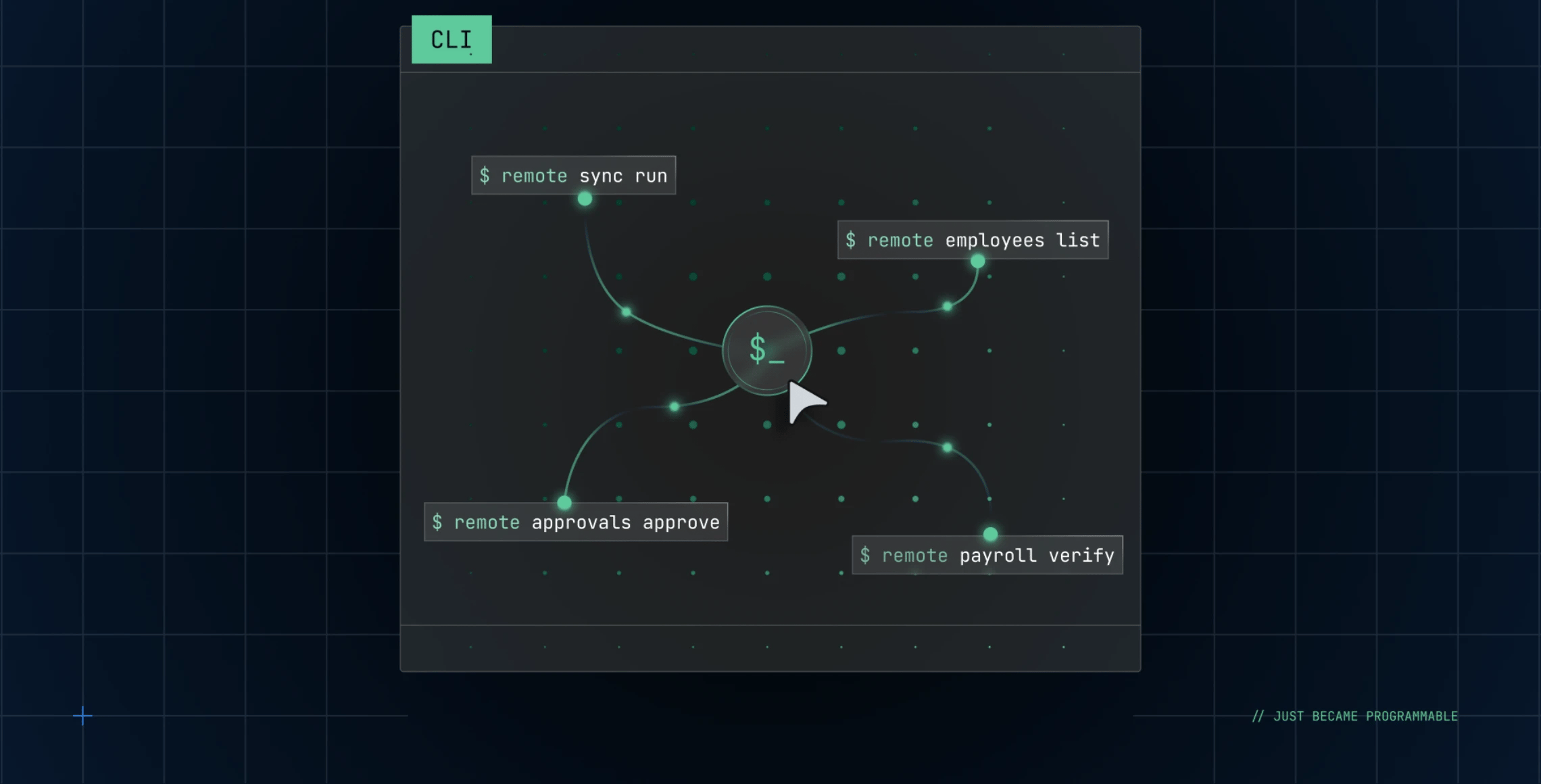
The command line interface may feel like a blast from the past, but it persists because it does the same thing every time. Most People teams spend surprising hours on the same handful of clicks: approve a request, check a field, export a list. If you've never used a terminal before, it might feel like an unfamiliar tool, but it's actually the fastest way to handle work that repeats.
We're opening Remote's infrastructure at every level. The API for integrations. MCP for AI agents. The CLI is next. It's a wrapper around the API that gives you what the API can do without building anything custom. You don't need to know how to code. You just type a command and get the result.
Here's where each fits:
- Dashboard: For exploring and building reports visually.
- CLI: For the things you do on repeat.
- API: For integrations that live in production long-term.
- MCP: Connects Remote to an AI agent. CLI runs deterministic commands with no AI in the loop.
Ready to try it? You can start experimenting with the CLI right now. Download it here. The examples below are real commands you can run. Start with one that solves a problem you have this week.
1. Clear a queue of time-off requests
For People Ops
Approvals normally require opening the queue, checking each request one by one, and approving individually.
remote time-off approveRun the command without arguments. The CLI fetches all time-off requests you can approve and shows them as a list. Select the one you want, and it's approved. No clicking through the dashboard, no knowing IDs.
If you're building a workflow to handle multiple requests programmatically, you can also pipe the output to automate batches.
2. Check a team member's leave balance
For managers
Before making scheduling decisions or approving time off, you need to know someone's balance. Rather than opening the dashboard, a single lookup surfaces the full picture:
remote time-off balance [employment-id]The command returns their current balance, accrual schedule, and any carry-over rules for their country. You get the information you need without leaving your terminal.
3. Export employments to CSV for reporting
For People Ops and Finance
Pulling a dataset for payroll, compliance, or financial reporting usually means dashboard filtering, exporting, and manual formatting. From the terminal, you specify columns and format in one command:
remote employments list --output csv --columns name,country,employment_type,start_dateThe output is ready to use—no export file to edit, no unwanted columns to delete. Pipe it directly into your reporting tool or save it as a file.
4. Integrate the CLI into agent workflows
For IT Ops and Automation Engineers
The CLI's real power emerges when you build it into automations. Because commands are deterministic and output structured data, agents like Claude can use them reliably as part of larger workflows. For example, an agent running in Claude Code or Claude Desktop can:
Query employment data: remote employments list --output jsonUse that data to make decisions or populate other systems. Update records based on the results:
remote custom-fields update [employment-id] --field [field-name] --value [value]The agent sees the same structured response every time, making the workflow predictable and auditable. The CLI becomes the interface between Remote and your automation logic—no custom scripts, no integration glue code.
5. Tail webhook events for real-time visibility
For IT Ops and Integration Engineers
When syncs fire between Remote and other systems, you need to see what actually moved. Rather than waiting for support or reading logs, stream the events directly:
remote webhooks listenThe command polls webhook delivery events and shows them as they arrive. You can filter by event type:
remote webhooks listen --event-type employment.createdFull visibility into what Remote sent downstream, on demand.
Why use a command line in the age of AI
Both MCP and the CLI matter, but they're built for opposite moments. MCP gives your agent access to the right data—it reads a messy request and picks the right tools. That works when the question is open-ended. But operational work is often repetitive: the same task, on a schedule, run identically every time and auditable afterward. For that, you need something deterministic. Something that obeys.
When we asked IT and integration engineers what earns their trust, the answer was predictability, clear documentation, and visibility into exactly what a system did and when. The CLI delivers that: faster than the dashboard, simpler than a script, reliable in the way repeatable work demands.
What this changes
Remote's infrastructure is now open at every level. The API for what you build. MCP for what your agents reason over. The CLI for what you run.
The terminal survived because when the work genuinely matters, most people prefer handing it to something that does exactly what was asked—no more, no less, the same way every time. For the routine work that keeps a global team running, that's the fastest way forward.
Subscribe for the latest updates
Sign up for our newsletter to get the inside scoop on all things remote work and global employment.