How our People team built the HR tools they always wanted with AI
When our People team wanted HR tools built for exactly how they work — a case tracker, an org-health dashboard, a way to check on their people when a crisis hits — they didn't wait for engineering, a budget, or a six-month roadmap. They opened Claude, connected it to their workforce data through the Remote MCP, and started building the systems they'd always wished existed.
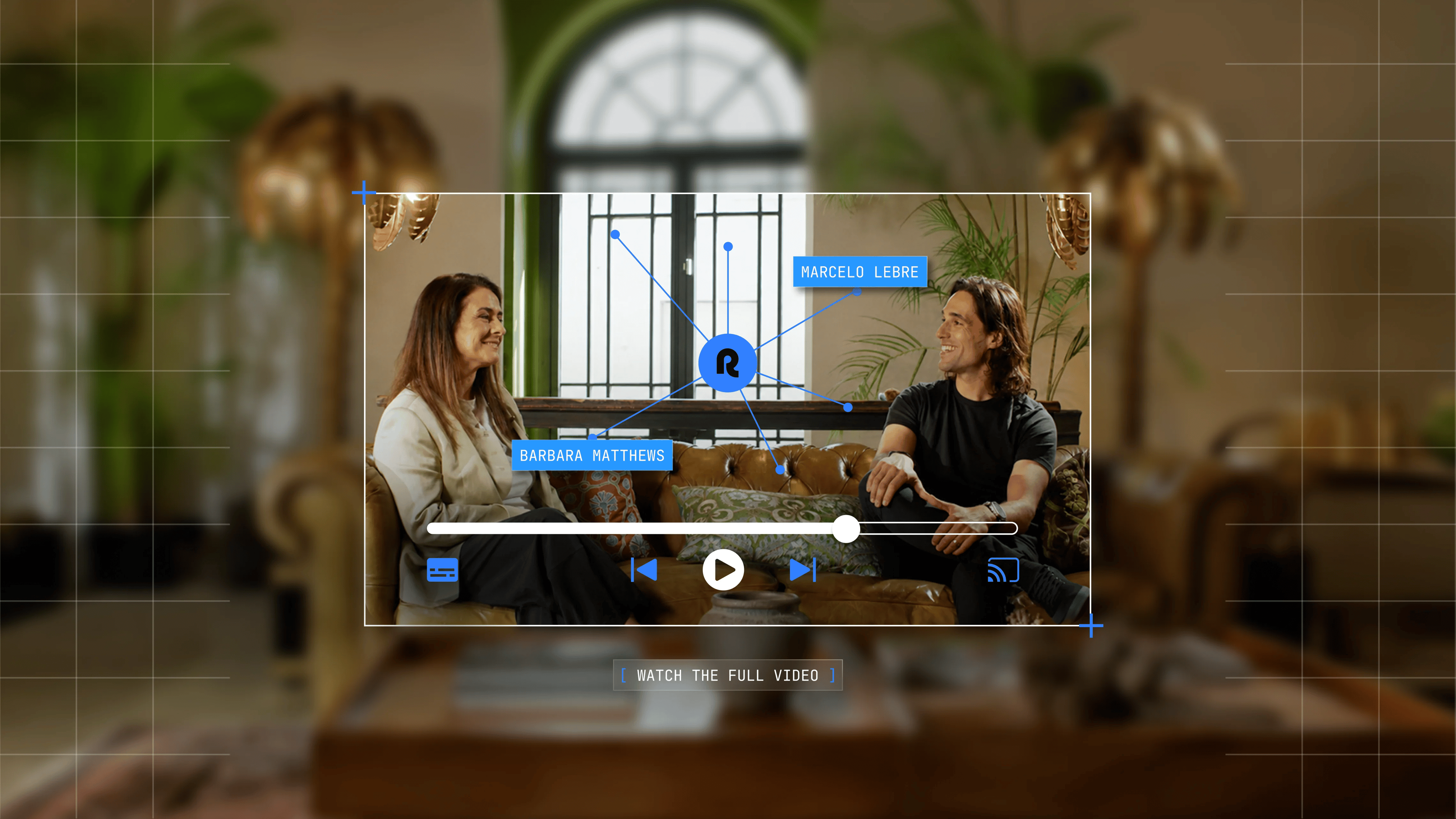
In this video, Remote's Chief People Officer Barbara Matthews talks it through with co-founder and President Marcelo Lebre — and builds a new HR tool live, on camera.
Playing with AI is the fastest way to learn it
Barbara didn't get to grips with AI by reading a strategy deck. She got there by building a Tamagotchi.
Her first projects had nothing to do with work: using Claude and ChatGPT, she made a virtual pet for the son who isn't allowed a real animal, and a maths app for her other son. Low stakes, low pressure — and that turned out to be the point. Building something small and personal first is what made the tools click, and showed her exactly what they could do.
Custom tools, built for how the team actually works
So she set her team the same challenge: build something that has nothing to do with work. Take the pressure off and see what happens.
Within six weeks, that play had become real work. The team connected the Remote MCP — the connector that brings Remote's employment data into the AI tools they already use, like Claude — and started building exactly what they needed: custom tools, shaped to how they actually run people operations across 80-plus countries. As Barbara says in the video, the prompt is the new tech.
From a blank prompt to a working case tracker
In the video, Barbara builds one of those tools from a blank prompt: a case management tracker for HR business partners. She starts as simply as you can — "help me build a case management tracker for HRBPs" — and lets Claude ask what it needs.
What comes back isn't a generic template. Because the Remote MCP is connected, the tool pulls from the team's own Notion SOPs — the scripts, the support templates, the seven-step process Remote uses to manage employee relations — and from Remote's workforce data: where each person is based, how long they've been with the company, what their role is. Location sits at the centre, because how you handle a case is a legal question that changes from country to country.
The templates do something quieter, too: they keep people partners aligned with the culture Barbara cares most about — one of no surprises and clarity, the same thing at every step of the process.
Then comes the executive view: a dashboard for open cases, time-to-close, resolution rates and case volume, sliceable by region, department and level — surfacing anything that looks oddly high or low so leaders know where to look next.
As Marcelo points out in the video, building something like this from scratch two years ago would have meant a dedicated team, a project plan, and months of work. As Barbara puts it, you could spend €100,000 buying a tool instead — and still not get the part that makes it theirs: built around the exact way Remote manages performance and cares for its people.
What the team is building next
The tracker is one of many. With little more than curiosity and a connection to Remote, the team is now building:
- Career-navigation apps for employees
- AI coaches
- An org-health dashboard that proactively pushes monthly updates on org shape, spans and layers, tenure, performance and engagement
- And a tool, very specific to Remote, that maps where everyone is in the world — so the team can run welfare checks and reach out proactively when a natural disaster strikes one of the 80-plus countries they operate in
"My team is so energized," Barbara says. "More than anything I've seen in the three years I've been here."
How to start building with Remote
You don't need an engineering team, a procurement cycle, or a six-month roadmap — just an idea and somewhere to start. Remote already holds your workforce data — compliance, contracts, people, payroll. The Remote MCP changes what you can do with it: bring it into the AI tools your team already uses, and build the things you always wished existed.
Barbara's advice for anyone staring at a blank prompt? "Just get curious, play around, and see what magic can happen."
Ready to build? See how the Remote MCP works, and connect your AI tools in minutes →
Want more ideas? 9 ways our own team used the Remote MCP this week →
The full conversation
A conversation between Marcelo Lebre, co-founder and president of Remote, and Barbara Matthews, Chief People Officer. Lightly edited for clarity.
Marcelo: Hey, I'm Marcelo, co-founder and president at Remote. I'm here with Barbara — Barbara Matthews, Chief People Officer at Remote. We're here to talk about all things AI and people, in the HR and payroll worlds. Barbara, you sit at the heart of a company like Remote, but you're also speaking to every company out there looking into what to do with AI — what it means for their teams, their workflows, their tools, their expenses. What's your take?
Barbara: So I have to tell you — in January, at the very beginning of the year when I came back to work, I had this underlying anxiety and I honestly didn't know why. I don't tend to be a naturally anxious person. So I journaled it down, and I figured out I was actually anxious about AI. You talk about AI a lot — you've done it for two years. Honestly, I hadn't been along for a lot of it. And in January I realised this is a huge reality in our business, and especially in how it's going to affect my team.
So what I did was take the pressure out of it. I built some fun apps at home using Claude and ChatGPT. I made a kind of Tamagotchi for my son, because he's not allowed animals — so I made him a virtual one. And I made a maths app for my other son. By doing that, it actually lessened the anxiety, and it helped me understand what's attainable and achievable for someone who isn't a traditional tech person. Even though I've worked in tech my whole life, I'm not techie.
So then I tasked my team with the same thing: make something that has nothing to do with work. Take the work and the pressure off, play with things, and see how it works. Now, over the last six weeks, my team are very actively building their own apps. They're having a ton of fun with work-related things too. We've connected our MCP. And the key thing for my team is custom — they can make exactly what they want to see, exactly what they need for their business and for their clients.
Marcelo: That's awesome — because it goes from "I'm going to play with this technology" to, all of a sudden, you and your team leading a massive transformation across the organisation. The best way to show that is to just go and build something.
Barbara: Yes. Let's do it.
Marcelo: So one of the things we're going to build is a case management tracker for HR BPs.
Barbara: I'll keep it really simple: "Help me build a case management tracker for HR BPs." What do I need to give you? And if anyone is afraid or uncertain about how to build something — just start really basic, because Claude will tell you what you need. As this loads — we're across 80-plus countries. There are different regulations, different countries, different ways to manage employee relations and employee issues.
So this is giving me a kind of checklist for how to think about the right things — where will it live, who uses it, case types. We actually want all of those, because we're going to track all different types of cases. It'll pull from all our different sheets internally. We'll use it for HR BPs, but also for managers — they could get a section. All of them.
Marcelo: It's killing you, as a tech person, watching me type.
Barbara: I love it. The prompt is the new tech.
Marcelo: Yes — the prompt is the new tech. And while it's loading — sometimes it takes a while —
Barbara: Sometimes it does.
Marcelo: — you can pivot to your normal work. So this is always working in the background, which is what I love about it.
Barbara: Yeah.
Marcelo: How much value are you actually able to capture — especially from having the MCP and the ability to connect literally everything, but fundamentally, at the foundation, the system of record?
Barbara: The system of record tells us where the employee is, how long they've been here — ten years is very important when you're dealing with these issues — and the location, of course, is critical. From Notion, we also have so much content on how we treat employee cases, how we like to treat our employees, the performance issues they might come up against, and the processes we have. There's the law for every country — but what makes the connection to the MCP so good is that it's actually customised for the way we manage our employees and the way we manage performance at Remote.
Marcelo: Two years ago, if you had to build this from scratch — what would it take? Time-wise, team-wise, project-wise?
Barbara: It takes so much that people just buy them. And that's the most important part — you could spend €100,000 on these, and it'll give you roughly what I'm able to give you here, except it won't give you the customised approach we take with performance management for our employees.
Okay, so it's telling us what's been pulled. They've pulled from Notion, they're looking at Remote employees globally — so they've also connected to the MCP — and they're looking at where the people partners are assigned. They looked at what we've built in Notion around how we manage employee relations cases, how we manage the SOPs, the steps we take, and how long we tend to take for each action. And we're linking it to different databases, like our HR BP tracker and our case tracker. What we're looking to do here is guide a people partner through every step of the process — that's phase one. The second thing is a dashboard that's executive-facing, so you can see what's going on.
So here's what we've built. (This is all fake content, by the way.) We have our performance case — this person, their level, their role, and their location. The location is critical, because we need to understand where the person is and how we should be treating them from a legal perspective. We have a checklist — every step has a checklist. There are seven steps. And what I love are these templates — supportive templates pulled from Notion, where we'd have scripts and support for managers, along every step of our process. So our next step is informal coaching, then PIP drafting, and on we go. A lot of good templates — it really helps the people partners stay aligned with the process we have at Remote.
It helps them stay aligned because we feel very strongly about a culture of no surprises and clarity. That's what I'm always talking to the team, and to all the managers and leaders, about. So it really reinforces that. And the key thing I love is that everything we had in Notion has pulled in through the MCP.
The other cool thing is the investigations approach. Investigations come up in companies — not great, but it happens. It talks us through all the steps: how to think about investigators, how to acknowledge the complaint. Then I want to share a little about the dashboard — because you, as the leaders, want to see what's going on with performance and with investigations. So we'll show that now.
Okay — again, dummy data — but here's what we have. We can pull by any region. We can pull by department. We can look at stats around total cases over a time frame, open cases, time to close. (Again, dummy data — 95 days is not real.) Resolution rates, and case volume. We can see it by the different types of cases, which is really important, and which departments these cases are in, what levels they're about, and the outcomes. It pulls out insights if something looks oddly high or oddly low — which is great for helping us orient around where to look and where to grow.
This was one of my favourites — I love this one. It's something that's going to be so helpful, and that normally costs a fair bit of money, but we can customise it to exactly what we want to see.
Marcelo: Amazing. That's pretty cool. Thank you. Where do we go from here?
Barbara: We're really proud, actually. Reminder: this is the HR team — not much technical background. They've gone crazy building all the things they could possibly want for whatever business problems their teams are facing. We're building career-navigation apps, we're building AI coaches, we're building an org-health dashboard that will proactively push updates every month to the business — spans and layers, their org shape, performance, tenure, employee engagement — all to give managers and leaders a real sense of how and where their people are.
And the final thing we're building now, which is very specific to Remote, is a dashboard and app that tells us where everyone is in the world. That's really important, because there are a lot of natural disasters and we're across 80-plus countries. We need to do welfare checks on people occasionally as things happen around the world. This helps us keep track of where everyone is, and proactively reach out to individuals to check on them in case anything happens.
Marcelo: That's very cool. Love that.
Barbara: And this is just a start. My team are so energised — more than anything I've seen in the three years I've been here. We're all really excited about the potential.
Marcelo: So what would you say to people who are just starting — getting the MCP, connecting to Remote?
Barbara: Just get curious, play around, and see what magic can happen.
Marcelo: That's awesome.
Subscribe for the latest updates
Sign up for our newsletter to get the inside scoop on all things remote work and global employment.