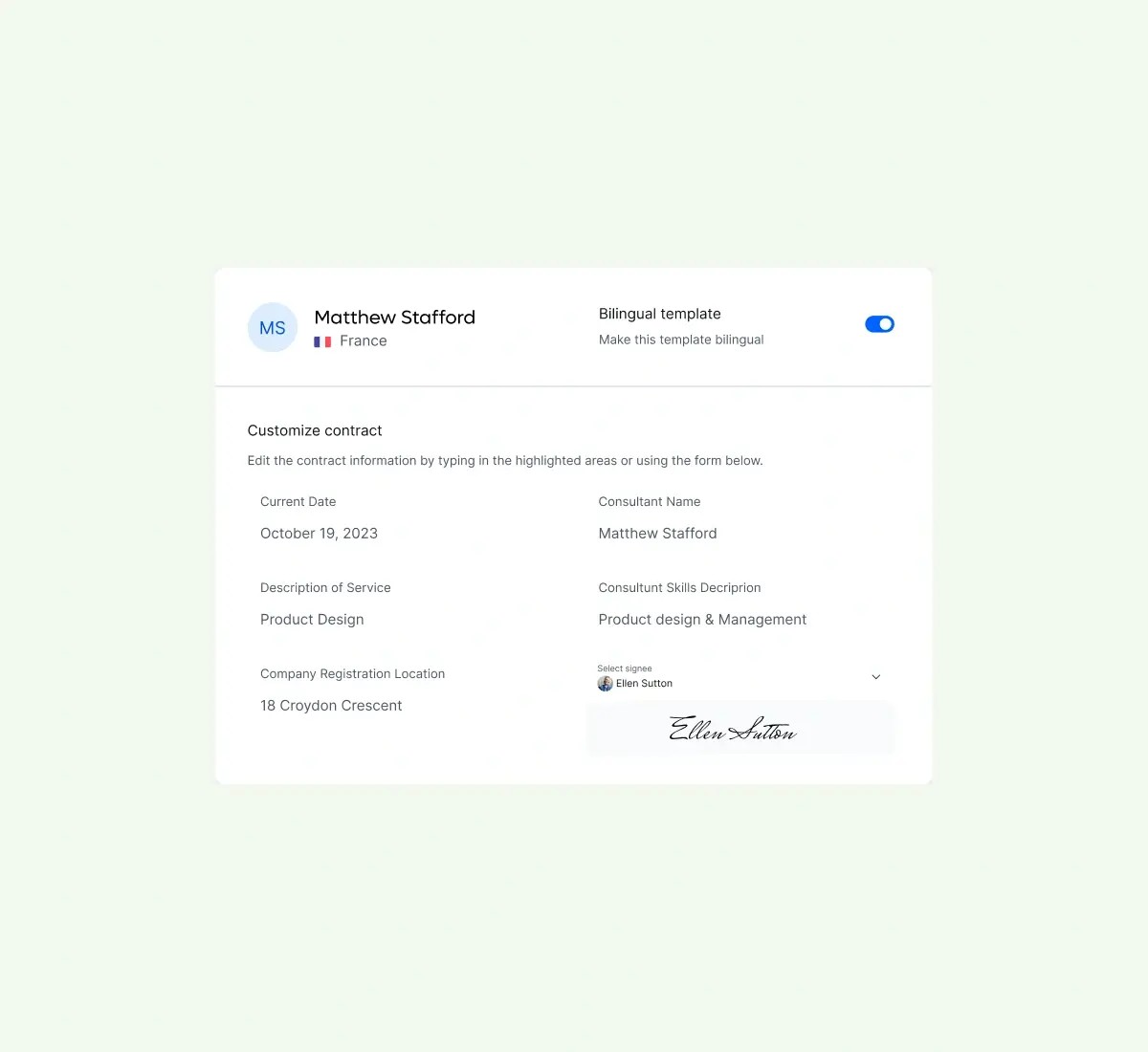
Contracts on-point
Contractor agreements are different all around the world. Protect yourself and your clients with built-in compliant, editable contract templates.
Manage your clients, organise contracts, invoices and get paid — all in one place.
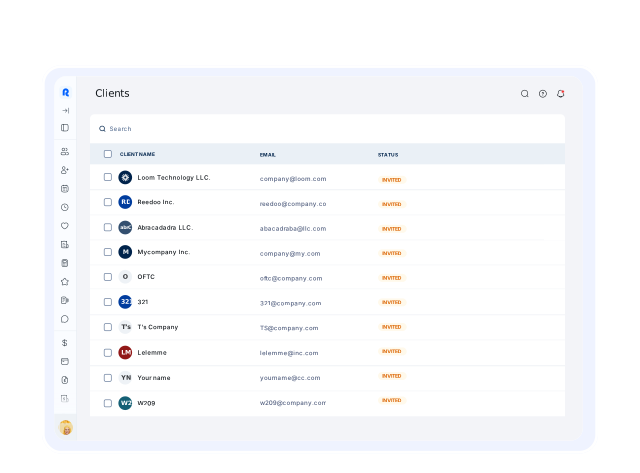
You're a busy freelancer, but you're overwhelmed by invoicing, figuring out payments, and writing contracts from scratch.
Not anymore. Use Remote to manage your freelancer ops in one place. It's the ultimate toolkit for freelancers everywhere.
Get started and invite your first client today.
Contractor agreements are different all around the world. Protect yourself and your clients with built-in compliant, editable contract templates.
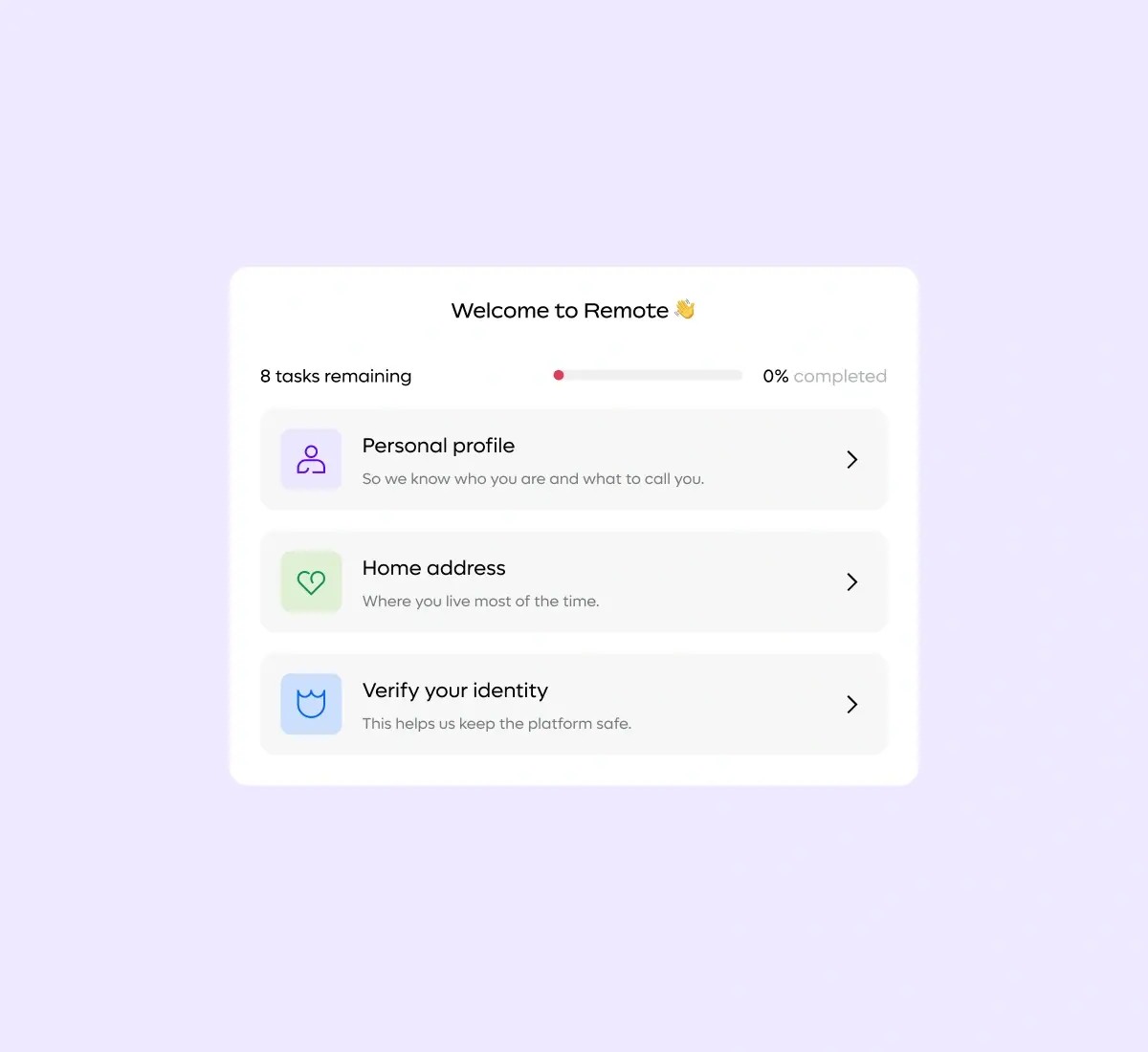
Our onboarding process is tailored for speed, efficiency, and compliance. Invite clients in one click, sign contracts in Remote, save documentation templates and you’re set to reuse with all your clients.
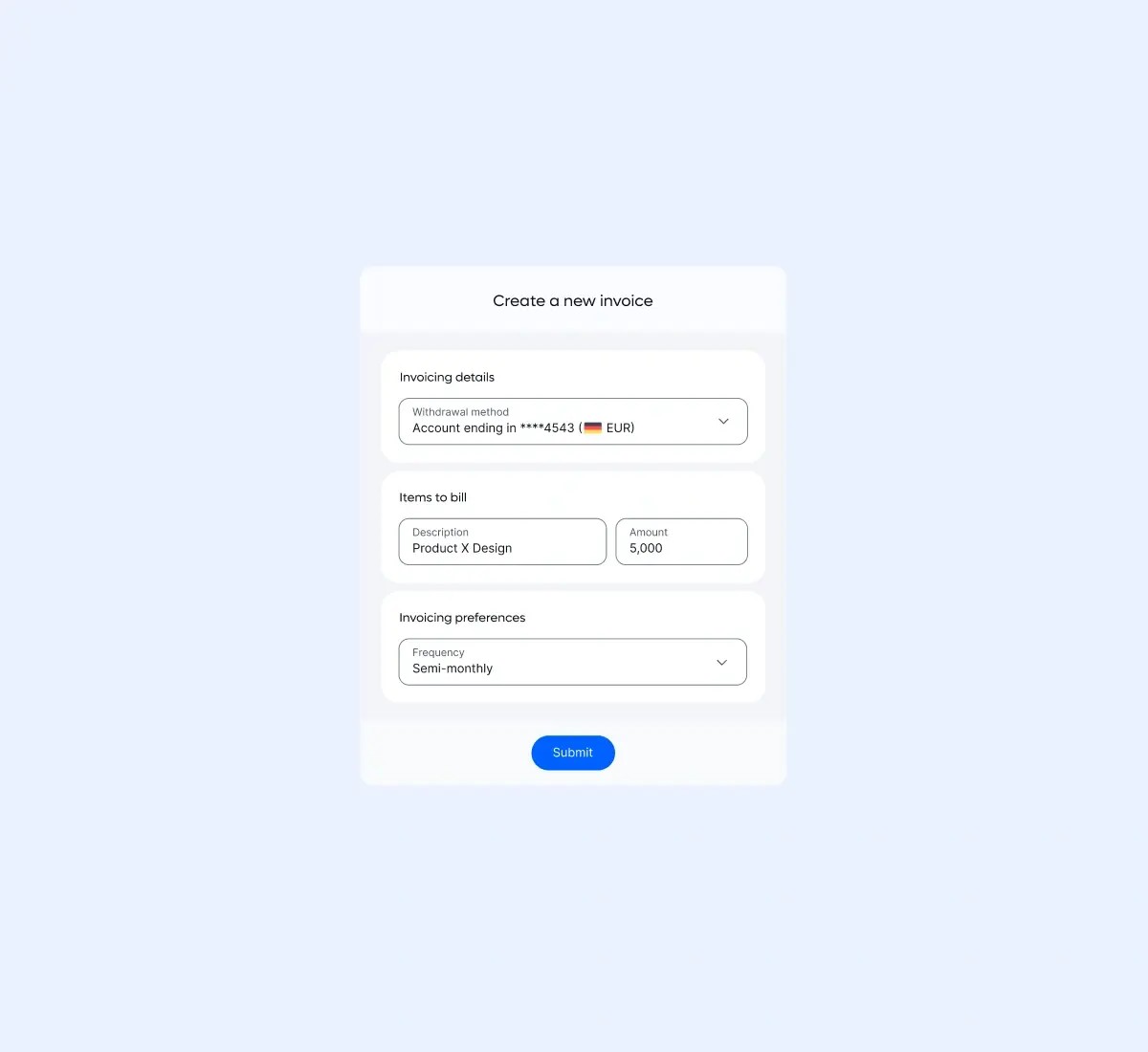
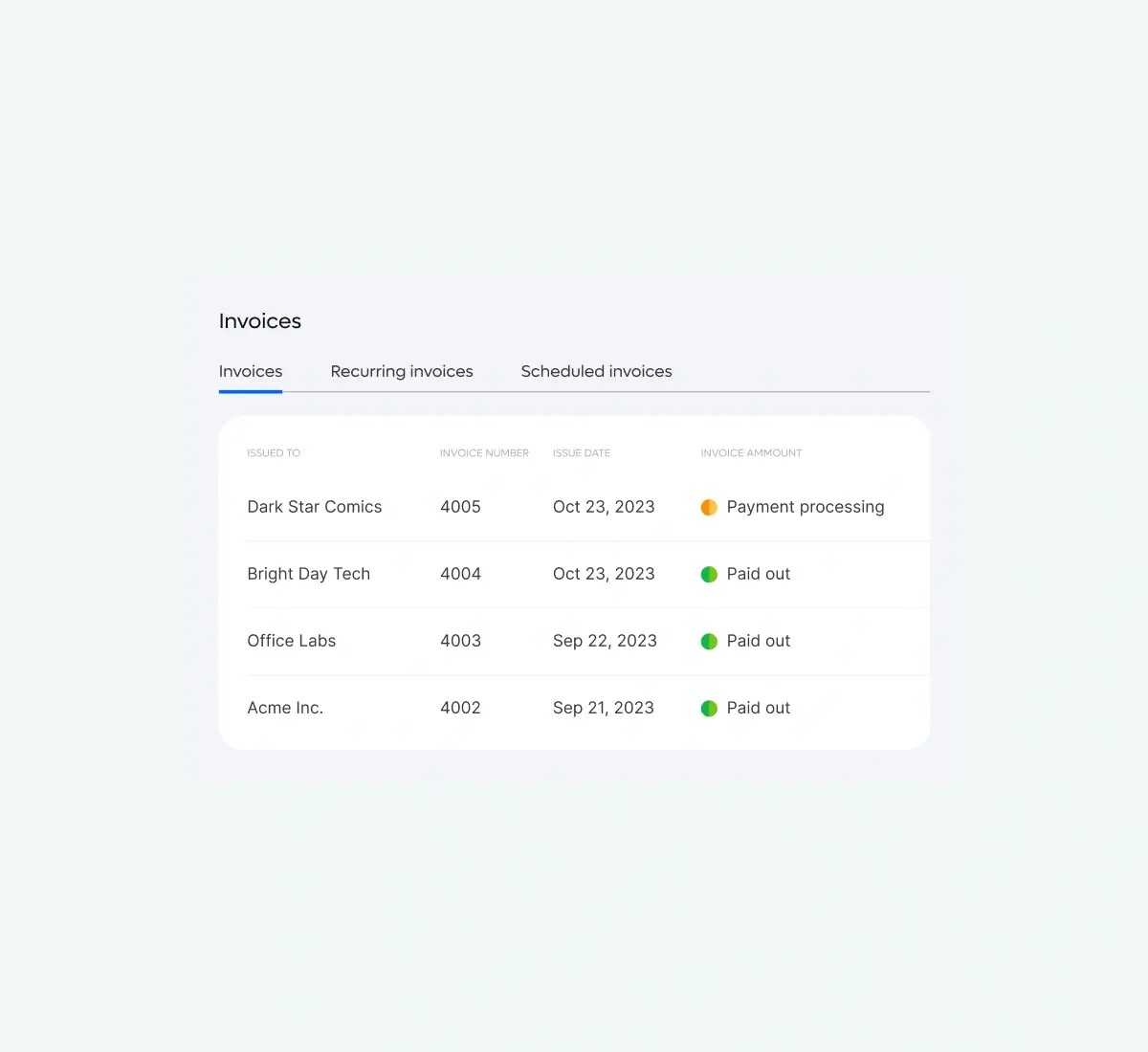
No more back-and-forth emails. Upload your invoices in Remote, and we'll route them for approval. Track the status of all your invoices on our easy-to-use dashboard.
Over 70% of contractor payments are transferred in less than 30 minutes. Put uncertainty around payment timelines to rest!
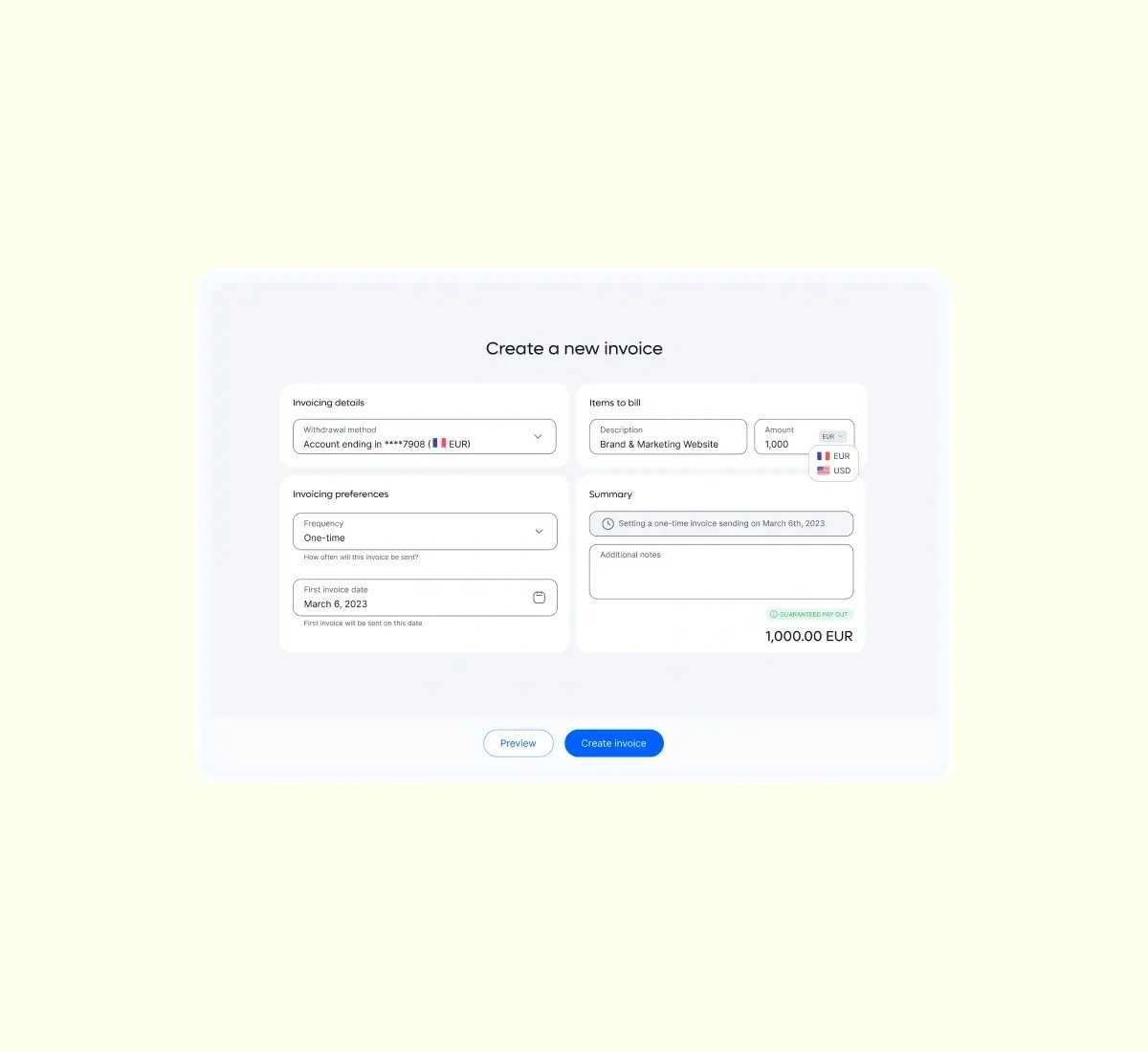
Create invoices in your preferred currency and you'll receive the exact payout – guaranteed. Say goodbye to foreign exchange complexities and conversion headaches!
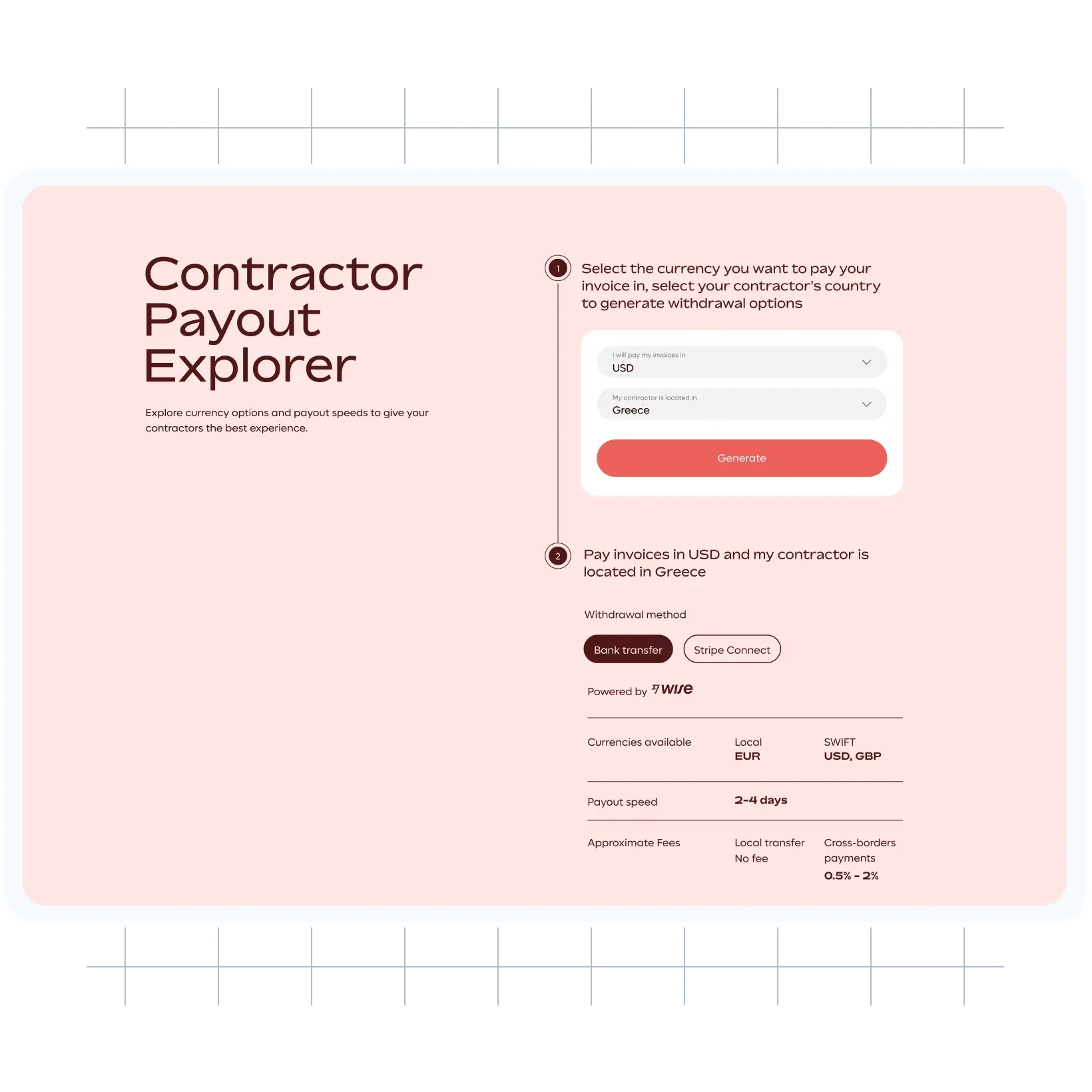
Discover your clients' payment currencies, explore withdrawal options, and check estimated payout times.

Contractor Management

Contractor Management

Contractor Management
Contractor management software is a tool that can be used by freelancers to:
Manage their freelance business and clients in one platform.
Create, edit, and manage fully compliant contracts from multiple clients.
Automate invoices and receive payments quickly in their local currency.
Learn more about how Remote Freelancer Hub can make it simple for you to manage your freelance business from a single platform.
Remote’s Freelancer Hub offers everything you need to manage clients, contracts, and invoices from one convenient location.
Our platform can help freelancers or contractors:
Customise and sign agreements with clients in other countries.
Create, follow-up, and automate all your invoices with a schedule.
Send invoices and receive payments in a currency of your choice
Track and report your billable hours directly in the platform.
Sign up for free and supercharge your freelance business today!
You invoice your client as normal. The only difference is that you upload your invoice to Remote. The client approves the invoices and submits payment to us, before we send payments directly to your bank account.
Yes, you can choose which currency you’d like to be paid in which is dependent on your withdrawal method currency or the billing currency that you have set for your company on Remote.
You have the option to set your desired invoice amount in your local withdrawal currency, or your employer’s billing currency. Depending on your choice, Remote will automatically convert the funds received from your employer to your local withdrawal currency. For payments processed via Wise, Remote will guarantee that you receive the full invoiced amount in your local currency and protect you from currency fluctuations.
For payments processed via SWIFT (”wire” payments), our payment partners may charge a small amount that will be deducted from your payment ($5-$15 depending on the bank). Additionally, your local bank may charge additional fees. Please check with your bank for additional details. Remote does not charge any additional fees for same currency payments facilitated via local payment networks.